
Learn with DawIt
Less guessing.
More “oh, that’s why.”
Read a little. Play an example. Change something in your song. DawIt keeps the explanation close to the thing you’re trying to understand.
Three ways the app helps
From a question
to an “I hear it.”
-
Learn the idea.
Open a theory guide from the tool you’re using, or browse everything in View → Theory Guides… (Cmd+G).
-
Try it in context.
Play the examples and change the controls. Many guides have a “Your song”, “Your track” or “Your clip” topic that reads your own work.
-
See and hear the result.
Live pictures follow the playhead or settings. Explanations, meters and starting points help you decide what to try next.
A path for your first session
Start small.
Build the understanding.
In DawIt’s Theory Guides window, Start here gives you a numbered route through the foundations. Explore at your own pace.
The guide library
Follow your curiosity.
Browse explanations from the existing site, grouped by subject. Open a card to see the guide in the app. Playable examples and live help run inside DawIt.
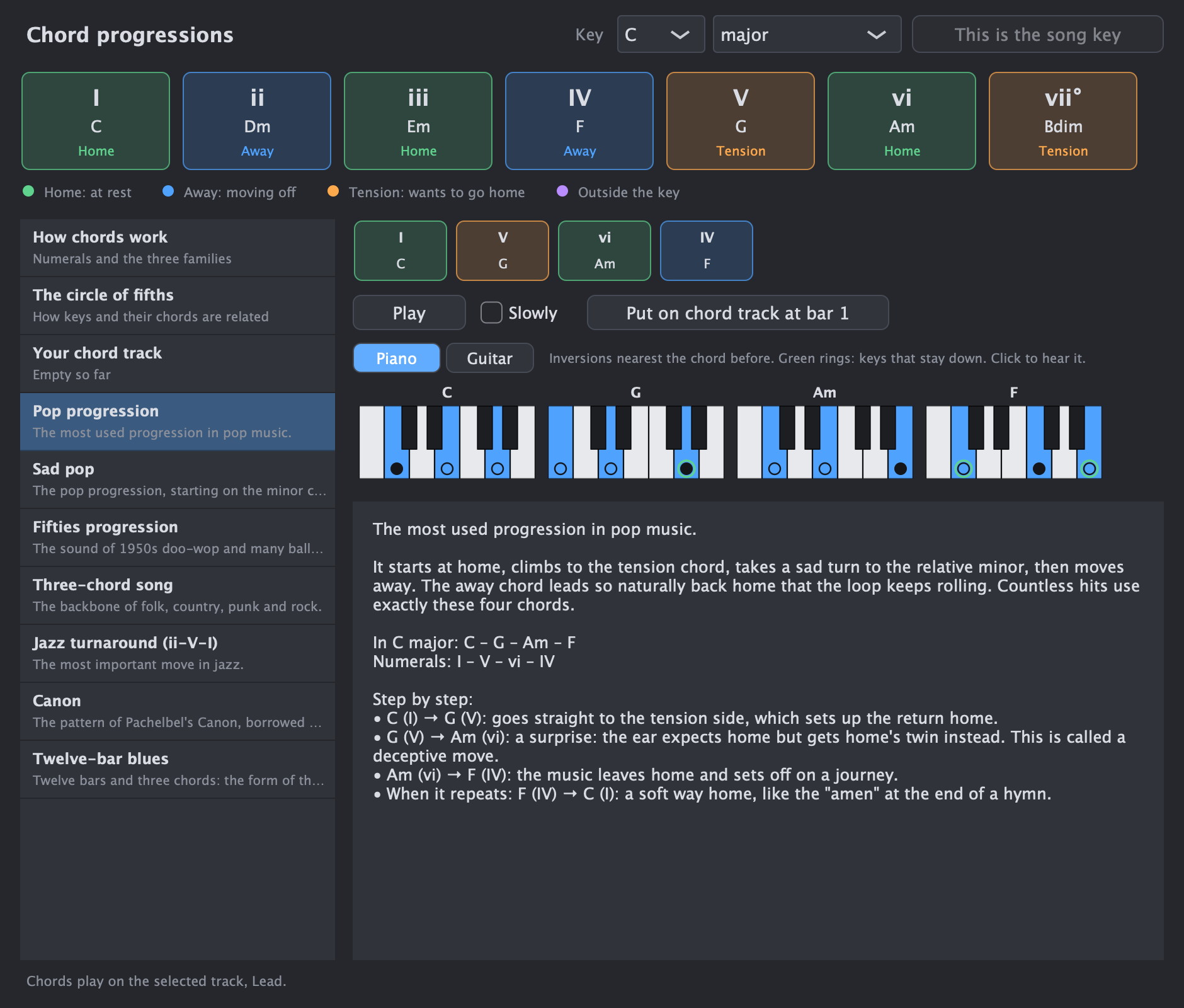
Chords & songs Chord progressions Well-known progressions and why they work, the three chord families, and your own chord track explained. See the guide
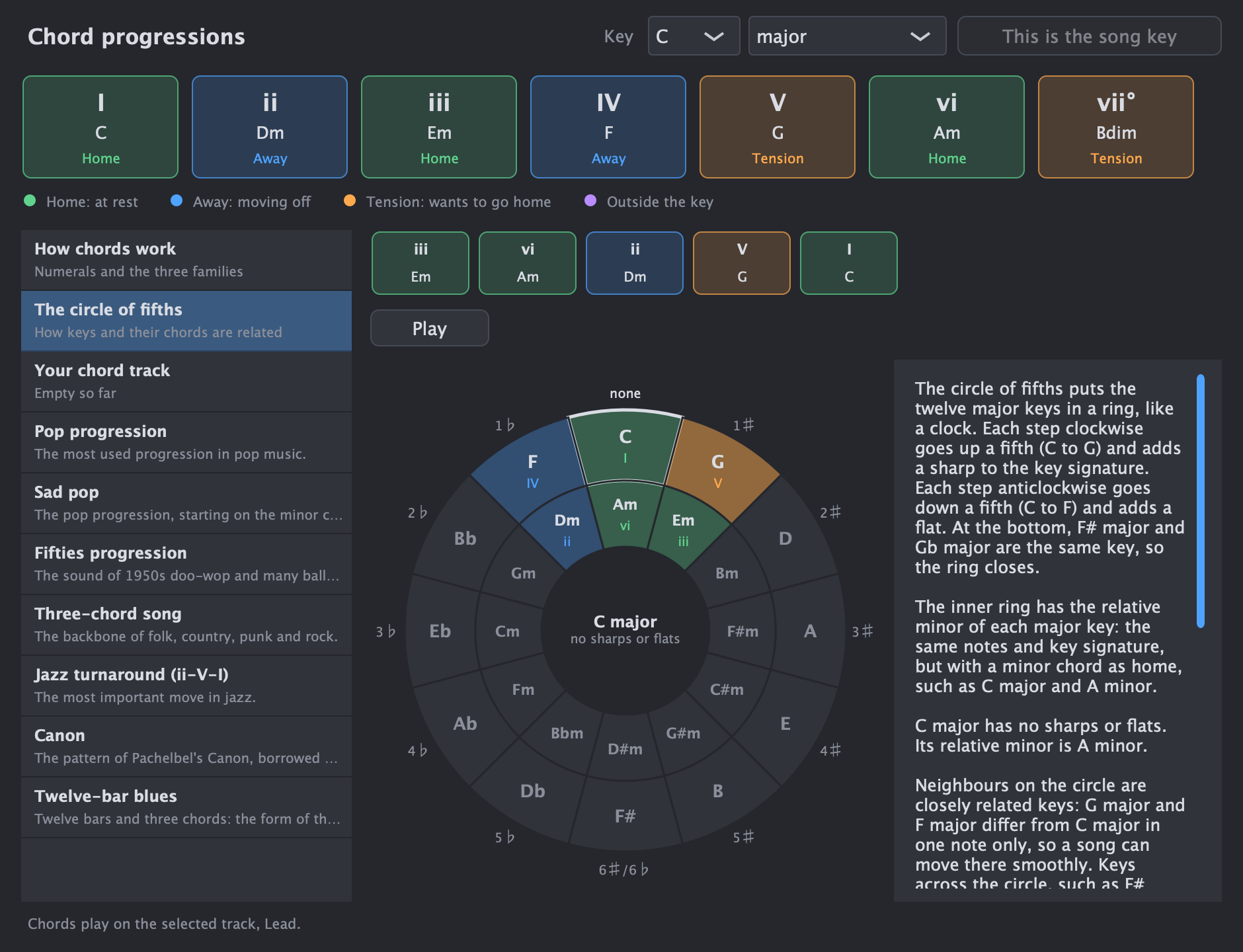
Chords & songs Circle of fifths How keys and their chords are related, and which keys a song can move to smoothly. See the guide
Chords & songs Piano and guitar chords Keyboards with inversions and guitar chord boxes with fingers, for every chord and whole progressions. See the guide


Foundations How to read music The staff, clefs, notes, key signatures and note values, and how DawIt writes your MIDI as a score. See the guide
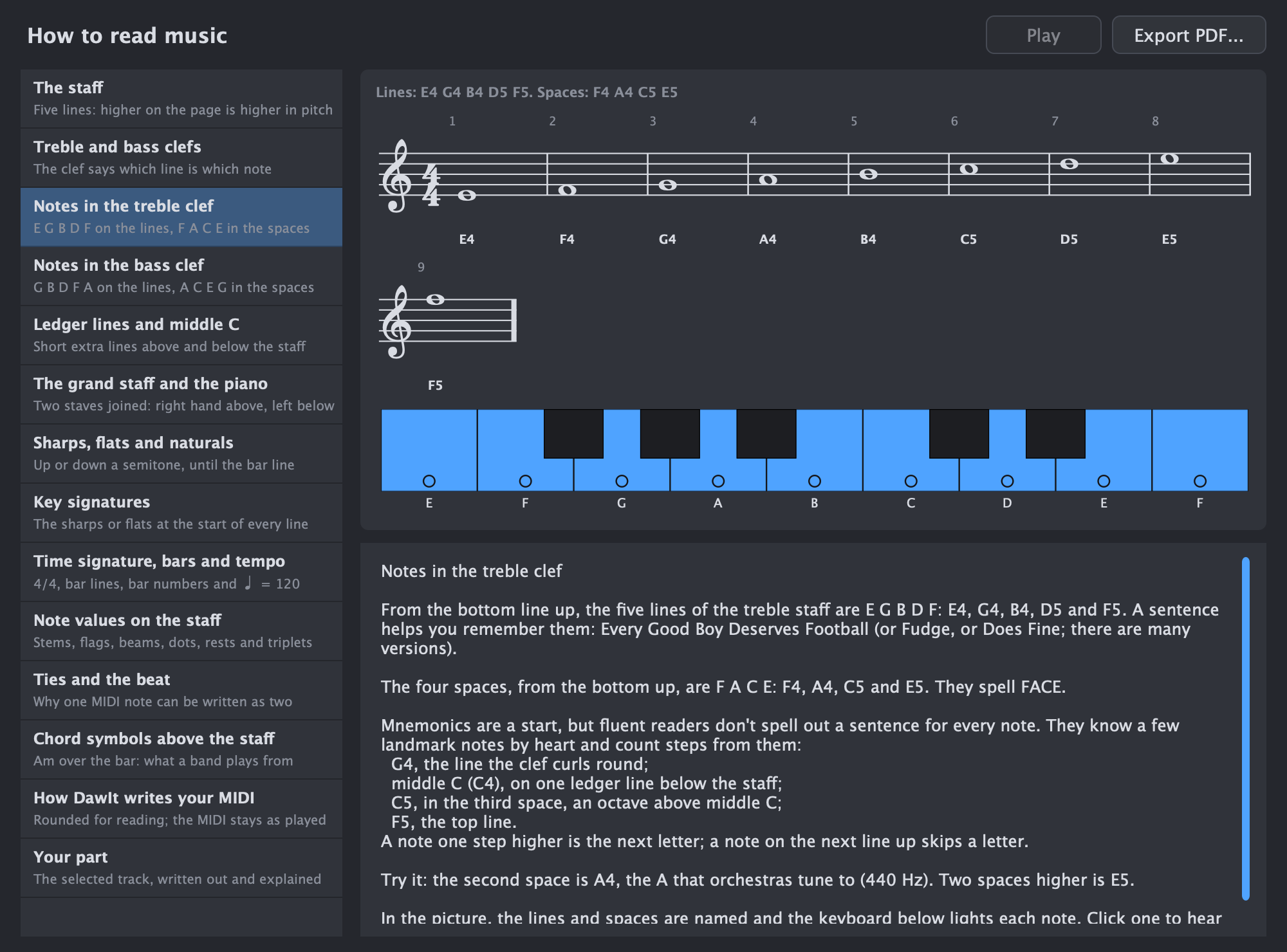
Learn what the staff shows, how the treble and bass clefs and the grand staff work, and how to find notes, ledger lines and middle C. Then sharps, flats and key signatures, the time signature, note values, ties, and the chord symbols above the staff. A topic explains how DawIt rounds your MIDI for reading, and Your part writes out the selected track with advice. Open it from How to read music in the Score view, or from Theory Guides under Reading music.
Explore the related feature →Foundations Note lengths and rhythm From whole notes to triplets: counting, rests, tempo, and how they show in the piano roll. See the guide
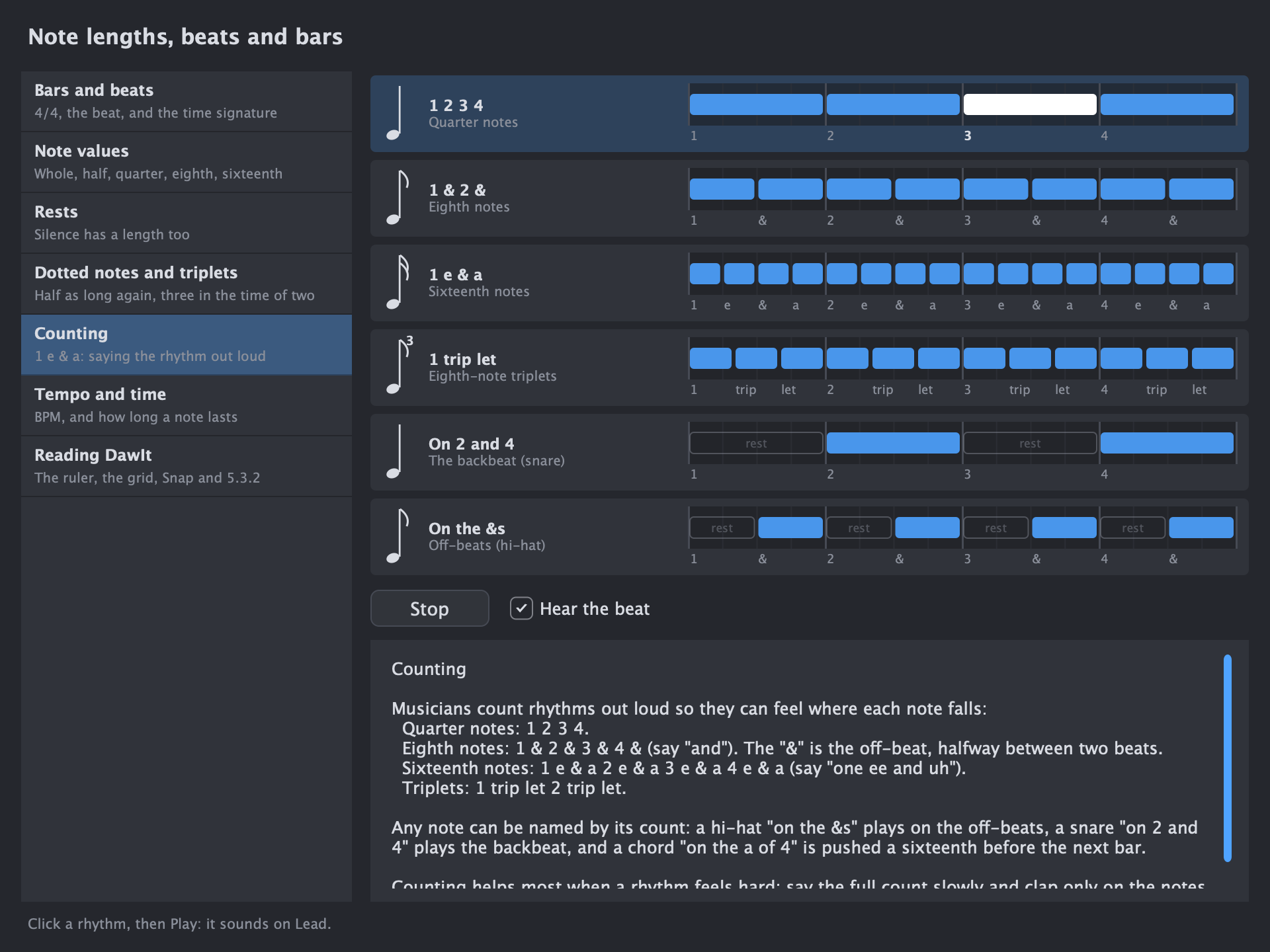
To see how note lengths are written on a staff, open How to read music.
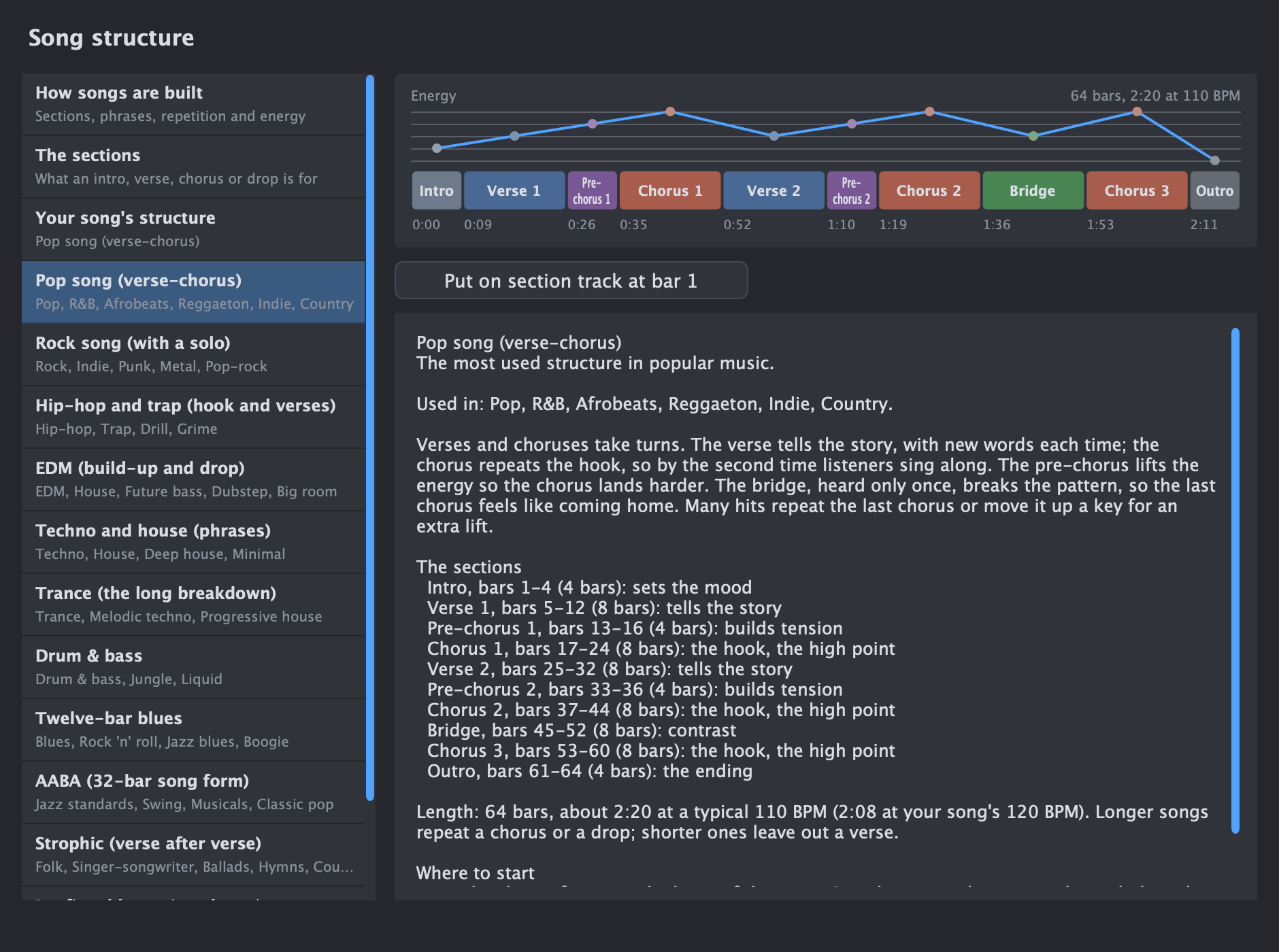
Explore the related feature →Chords & songs Song structure Intros, verses, choruses, drops: how songs are built in twelve styles, with the energy curve of each. See the guide
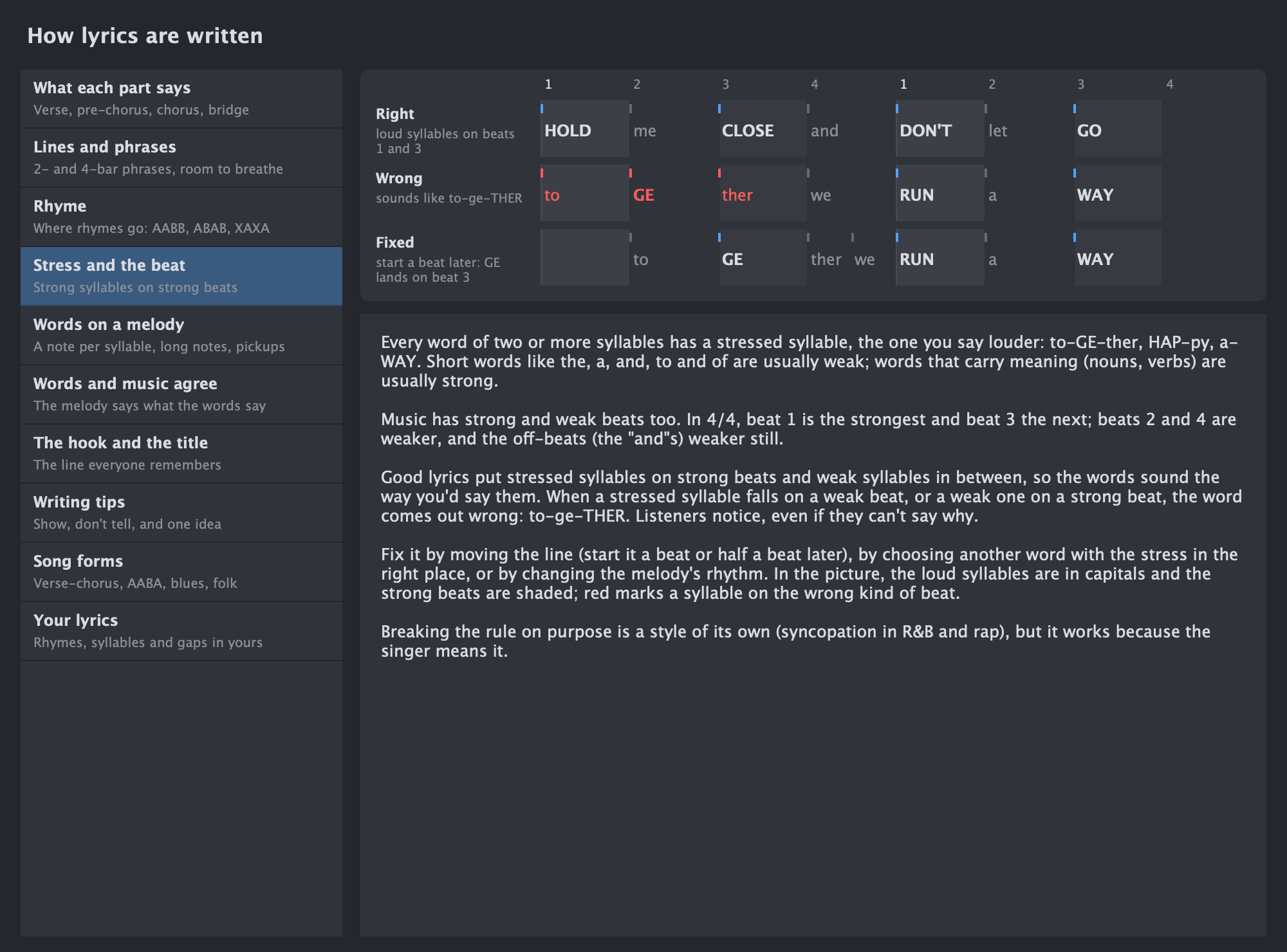
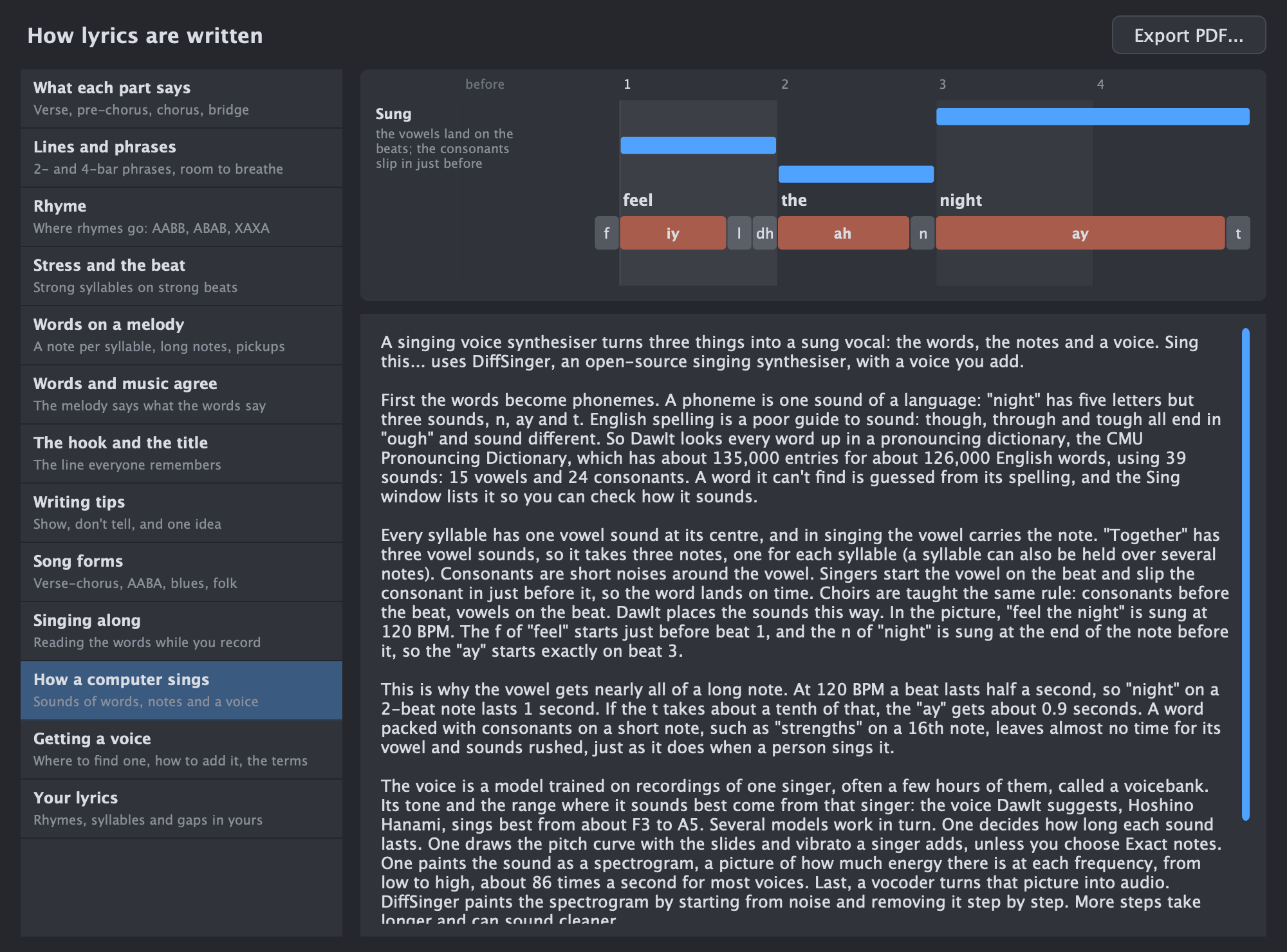
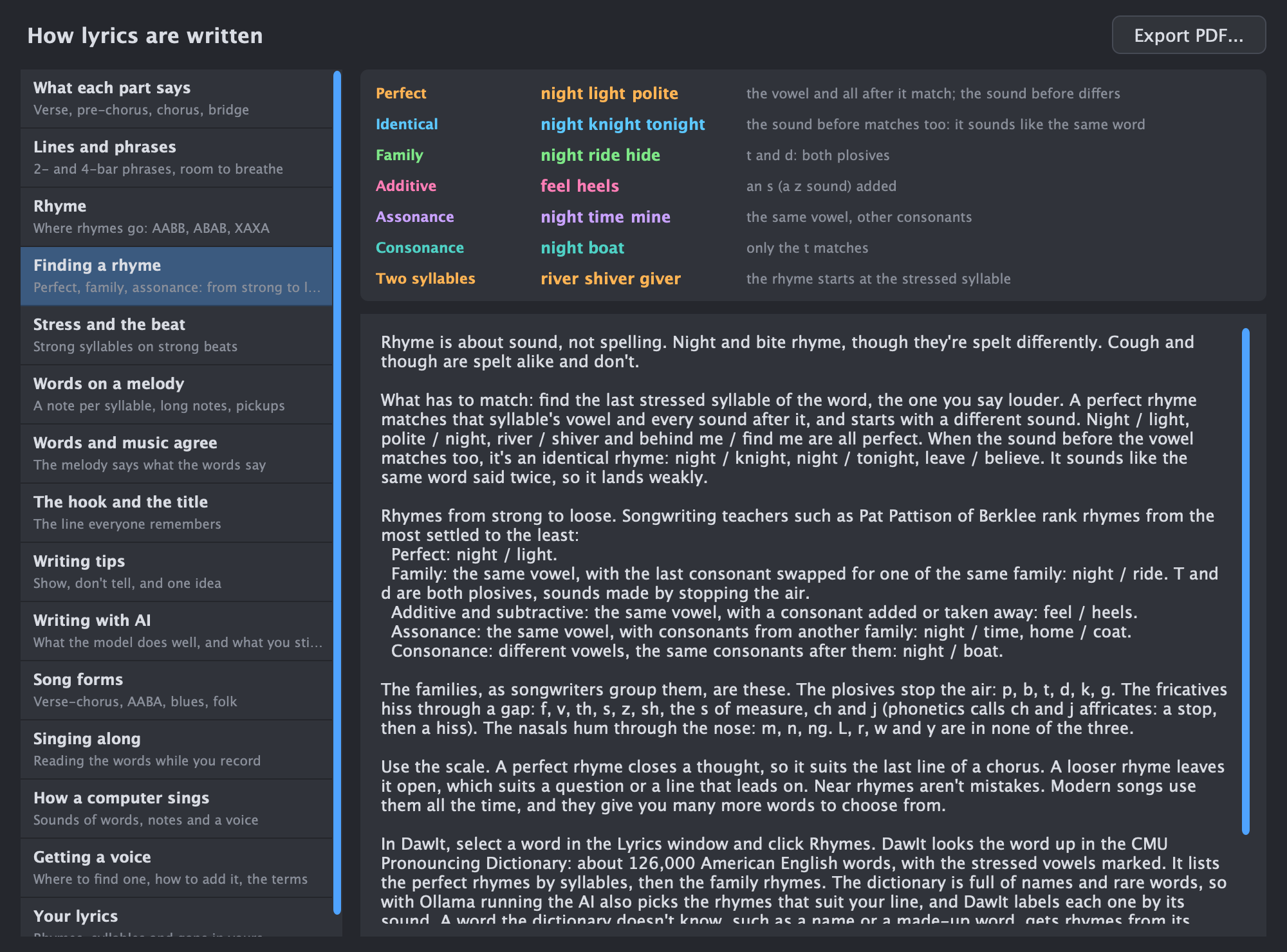
Chords & songs Writing lyrics What each part says, rhyme schemes, finding a rhyme, loud syllables on strong beats, words on a melody, the hook, writing with AI, how a computer sings, getting a voice, and a look at your own lyrics. See the guide
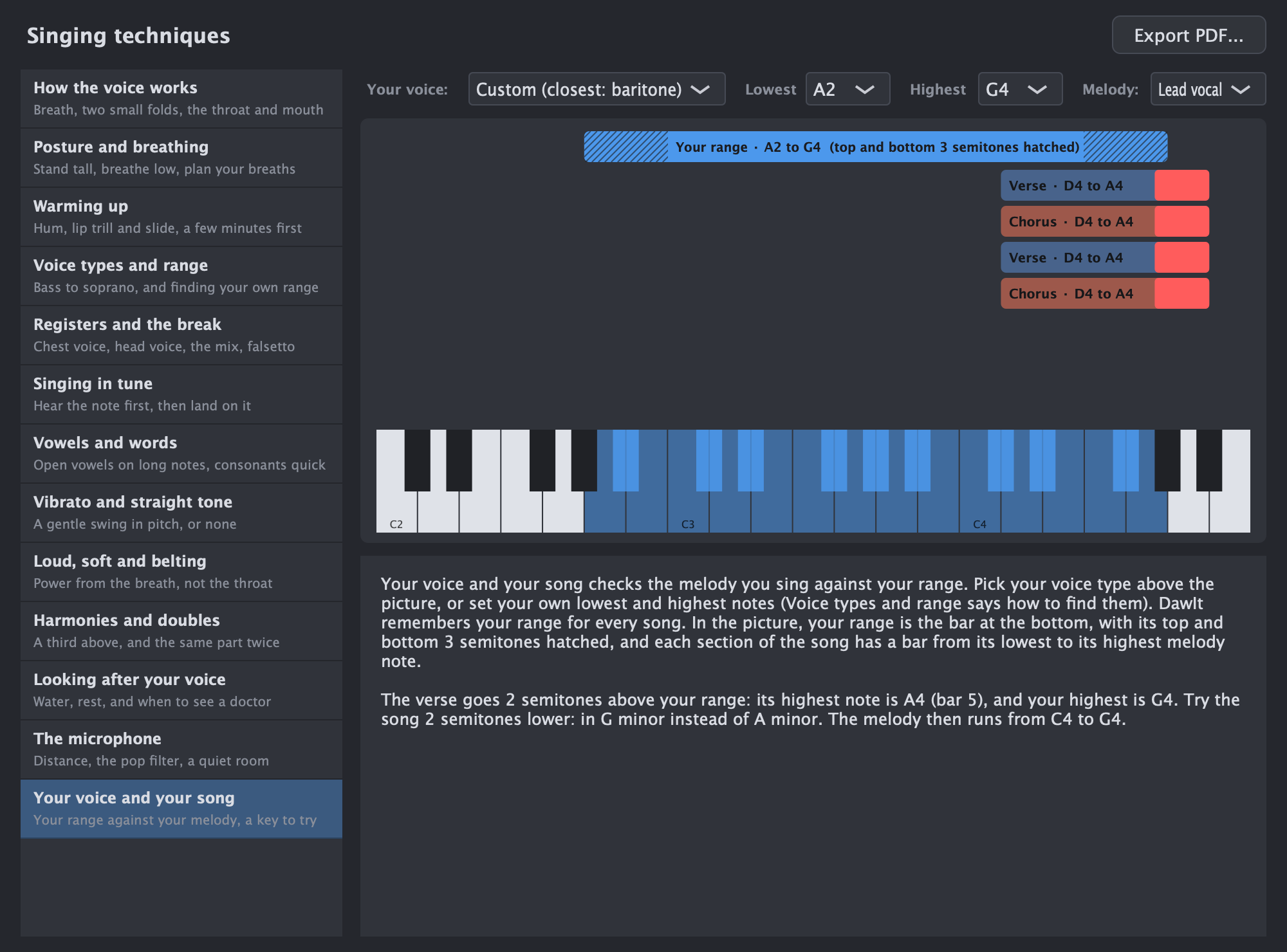
Singing Singing techniques How the voice works, breathing, warming up, your range, registers, singing in tune, vibrato, harmonies and the microphone, and your melody checked against your own range. See the guide
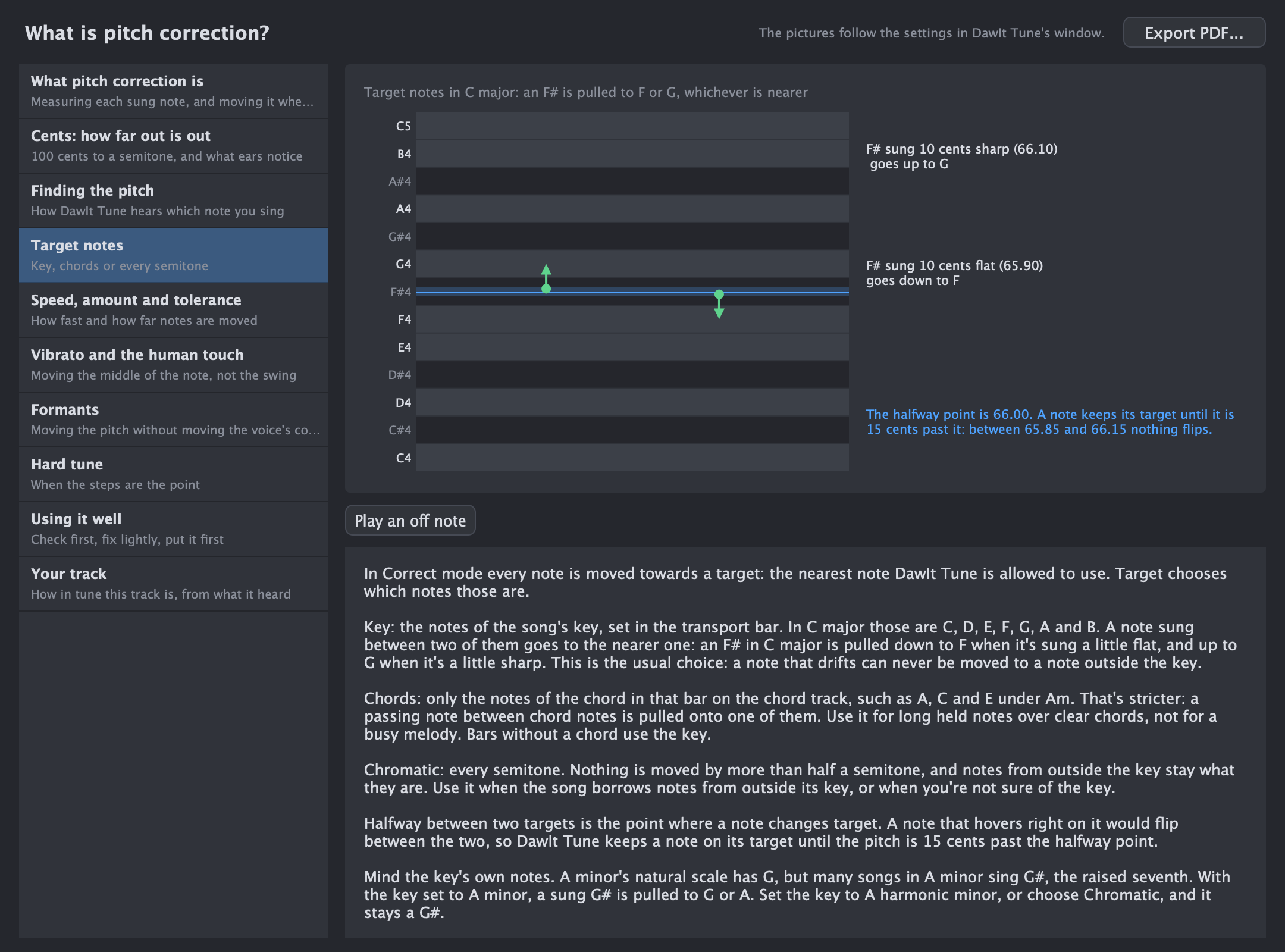
Singing What is pitch correction? Cents and what ears notice, how a tuner finds the pitch, target notes, speed and amount, vibrato, formants, hard tune, using it well, and your track. See the guide
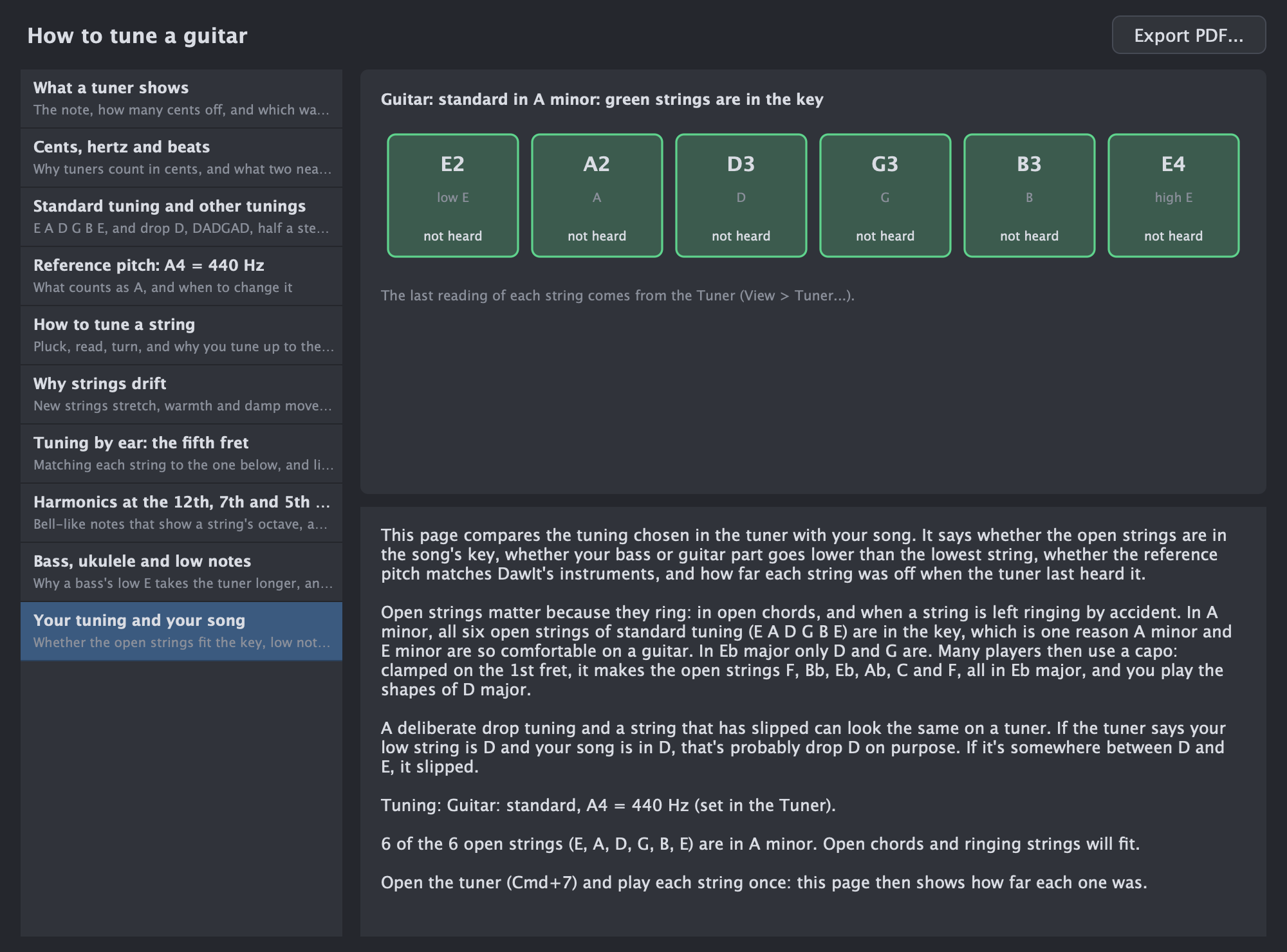
Foundations How to tune a guitar What a tuner shows, cents and beats, standard tuning and others, the reference pitch, tuning a string, why strings drift, tuning by ear, harmonics, bass and ukulele, and whether your open strings fit your song's key. See the guide
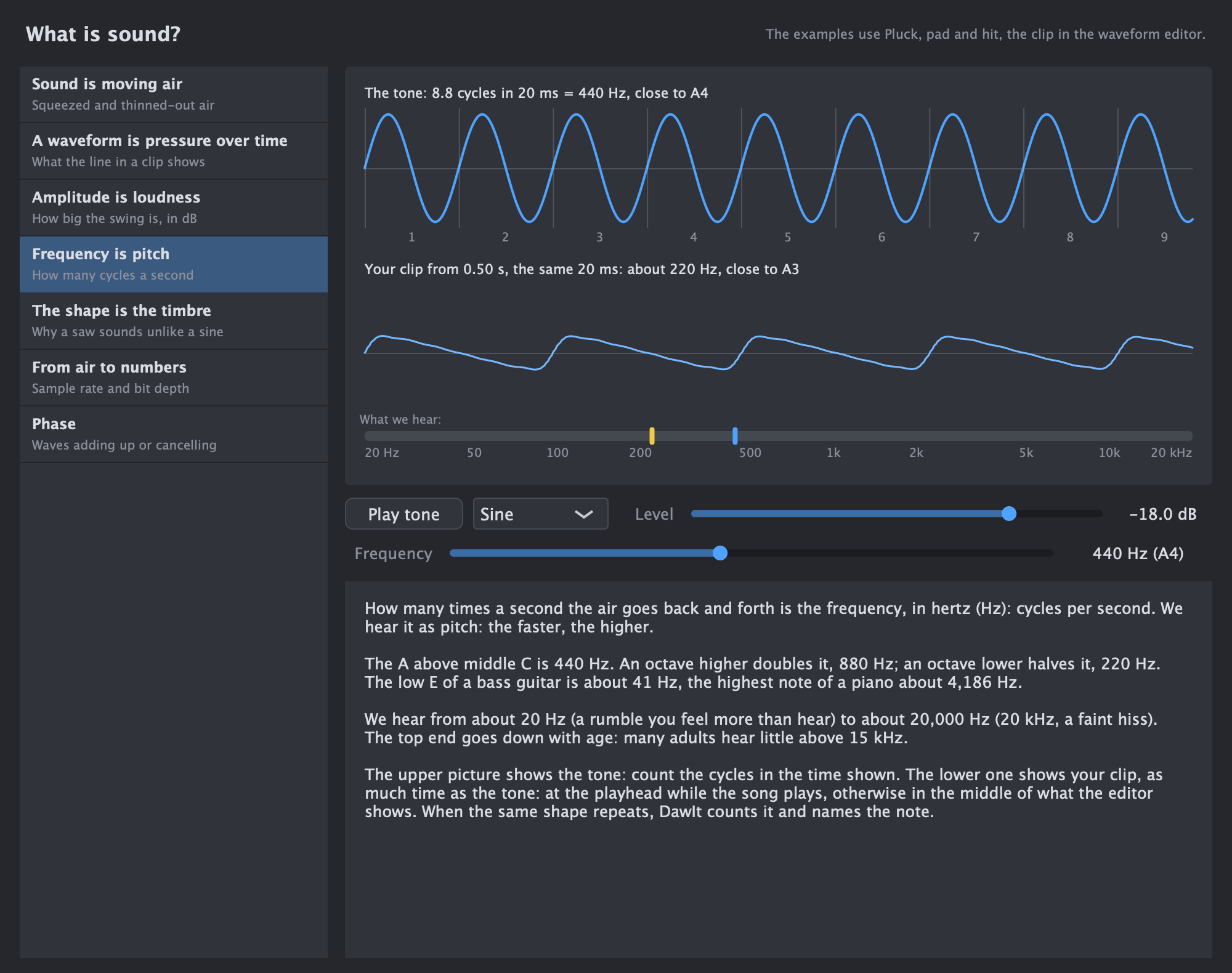
Foundations What is sound? From moving air to the numbers in a WAV file: pitch, loudness, timbre and envelopes, phase and mono, with a tone to play and your own audio clip as the example. See the guide
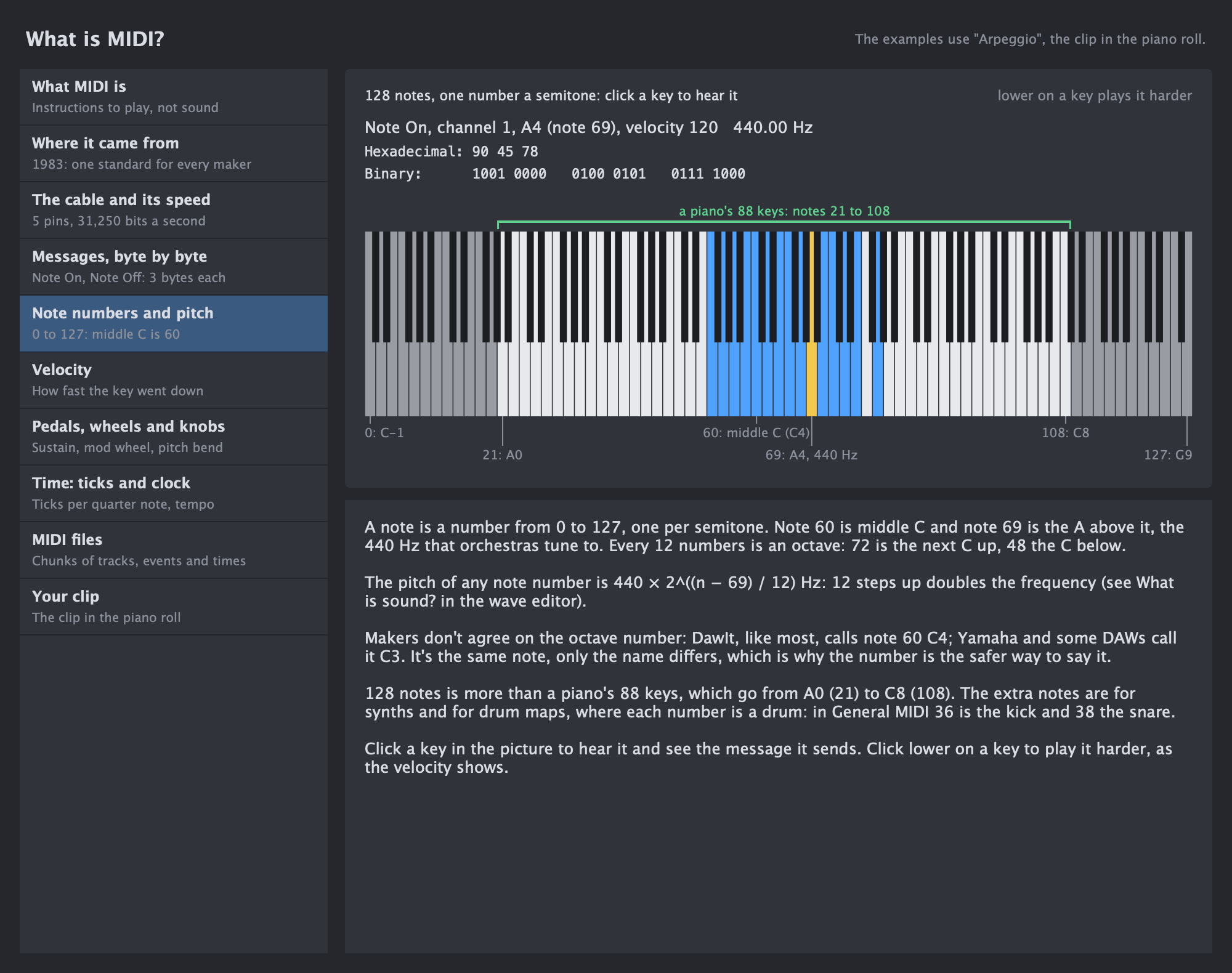
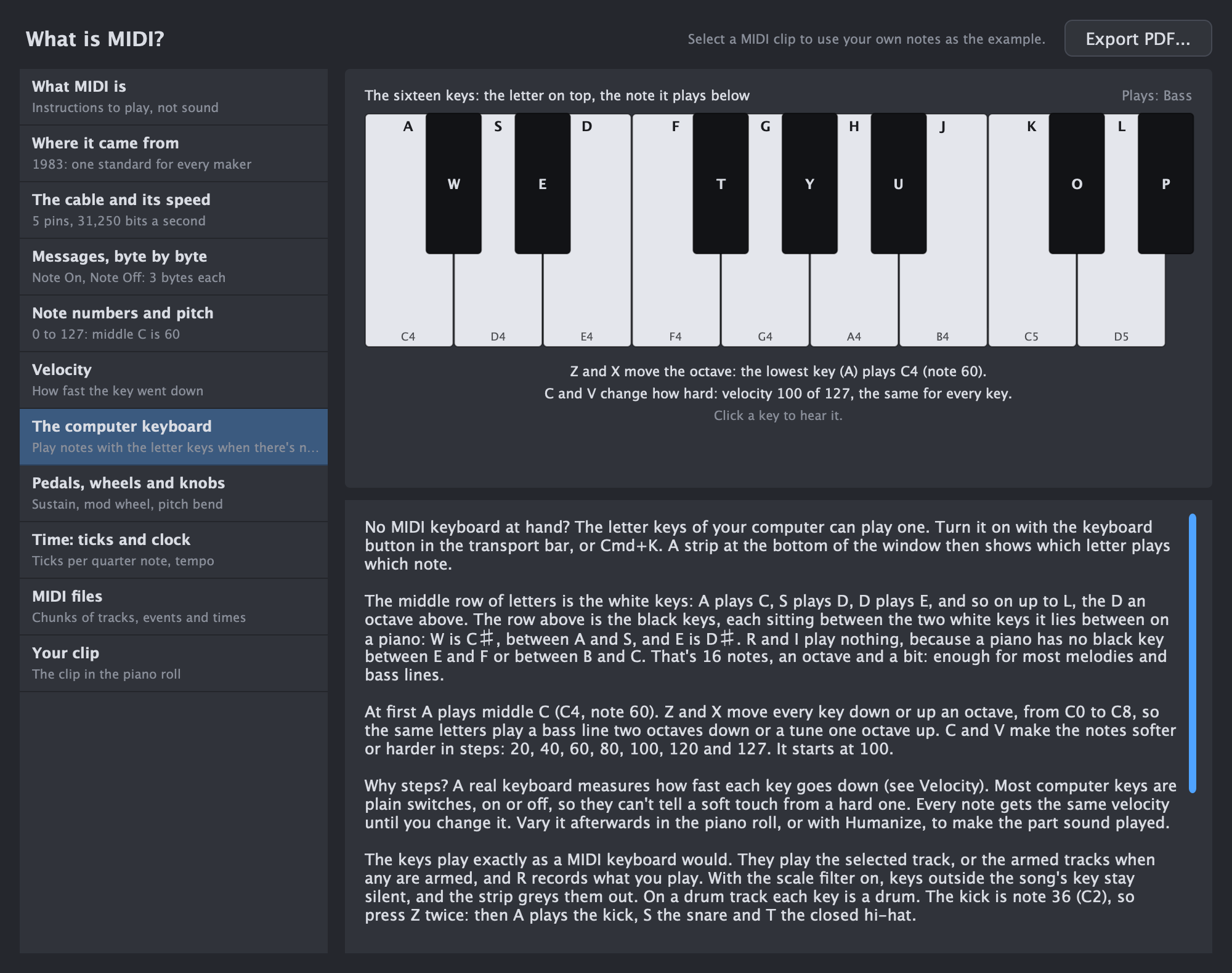
Foundations What is MIDI? Instructions, not sound: the cable, the messages byte by byte, note numbers and velocity, with your own MIDI clip's notes as the example. See the guide
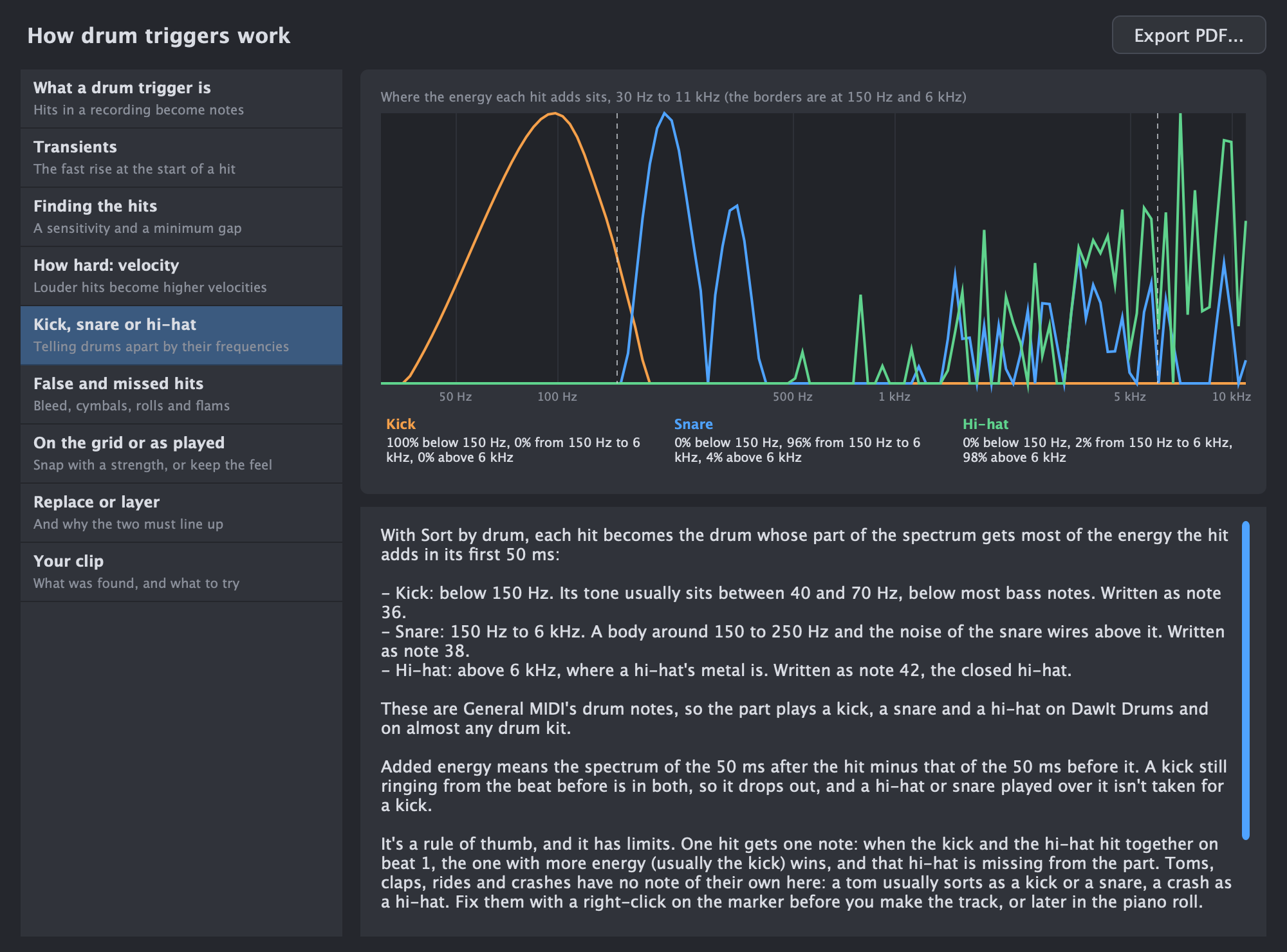
Foundations How drum triggers work Turning the hits in a drum recording into a drum part: finding the hits, kick, snare or hi-hat, how hard, snapping, and layering or replacing, with your own clip as the example. See the guide
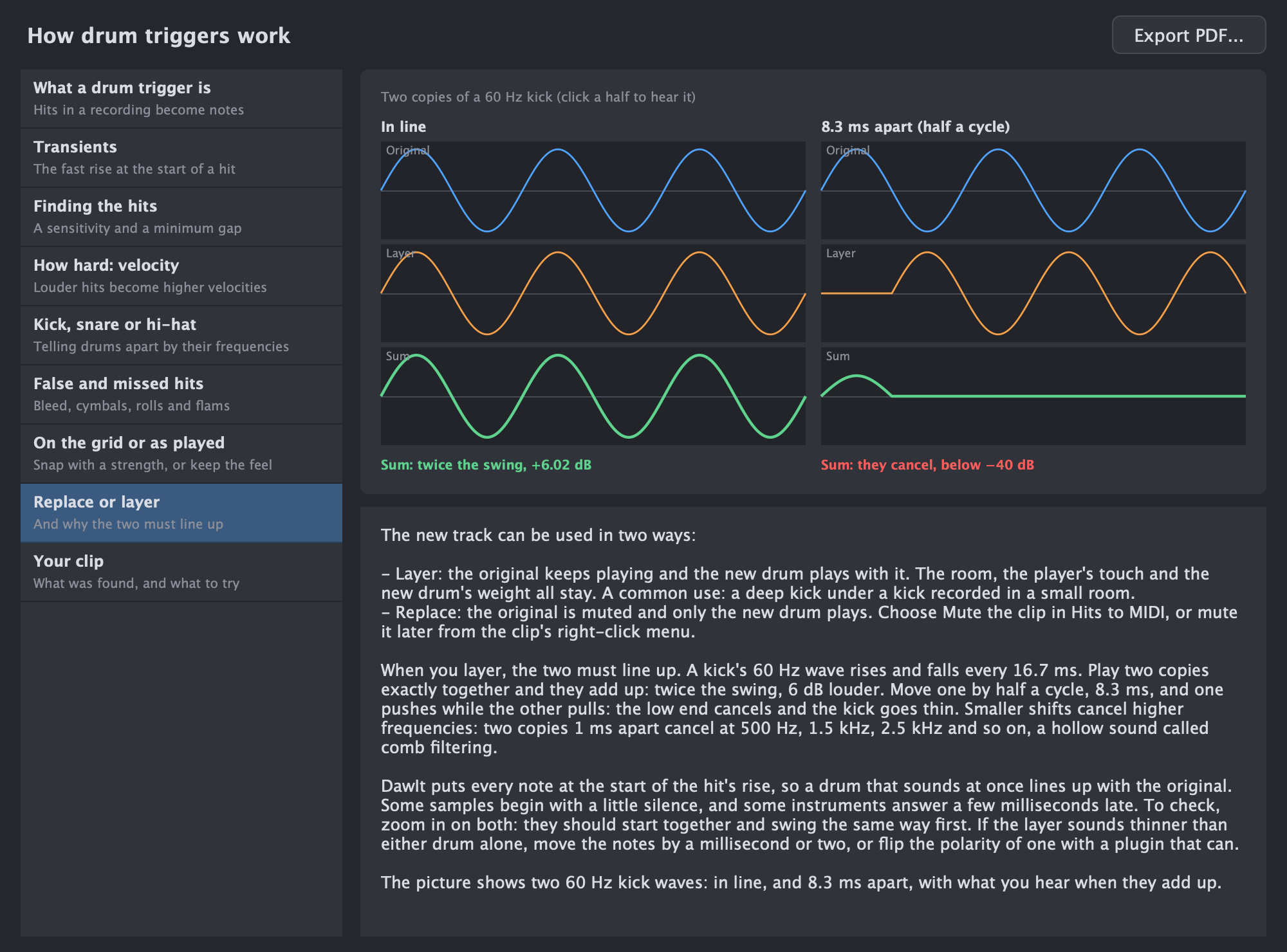
Foundations How recording works Recording a voice or instrument: the audio interface, input levels, latency, monitoring and takes, with your own device as the example. See the guide
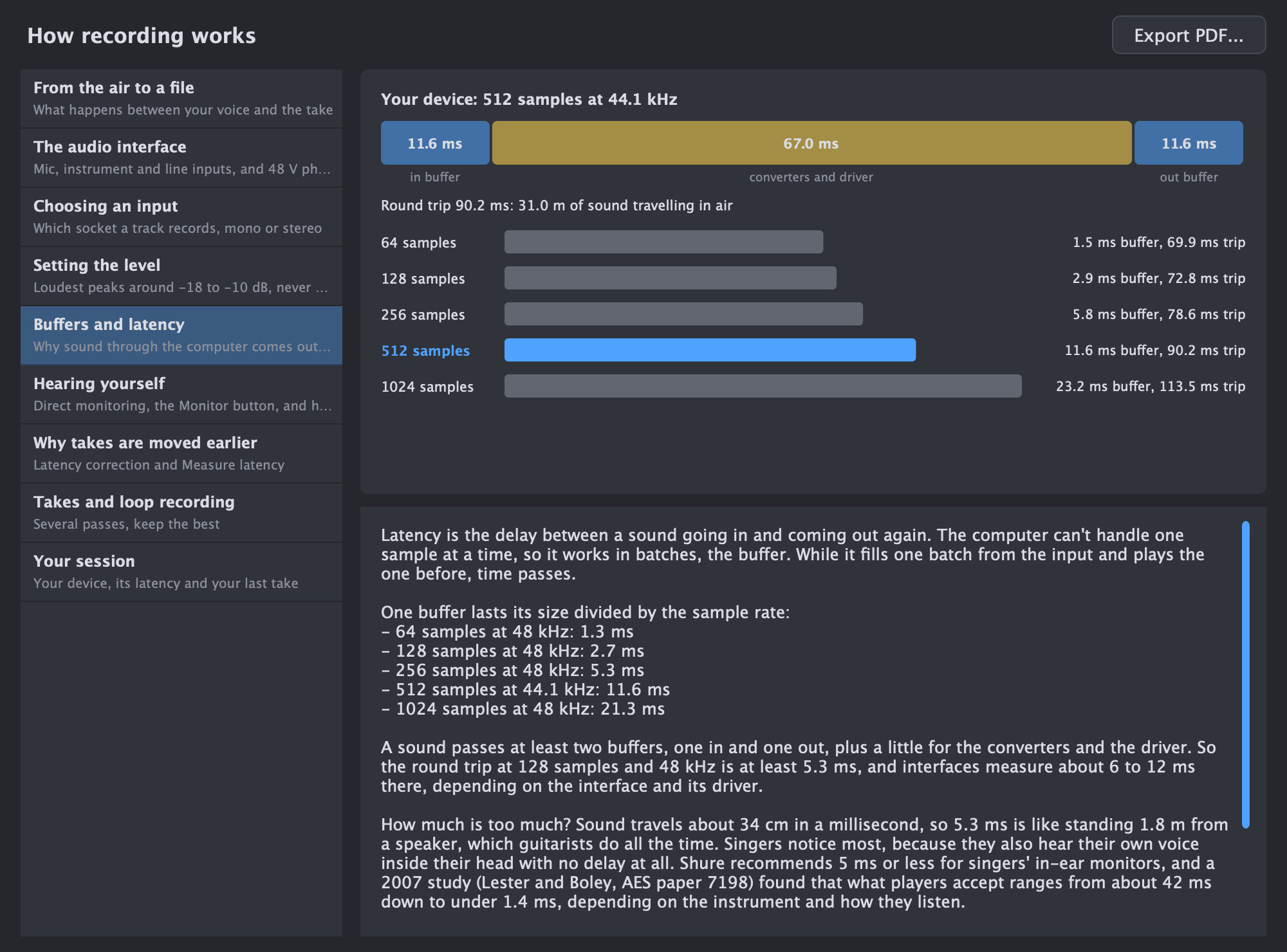
Mixing Gain staging How loud the sound is at every step of a track's chain, why it matters, and how to fix a level, with your track's chain drawn live. See the guide
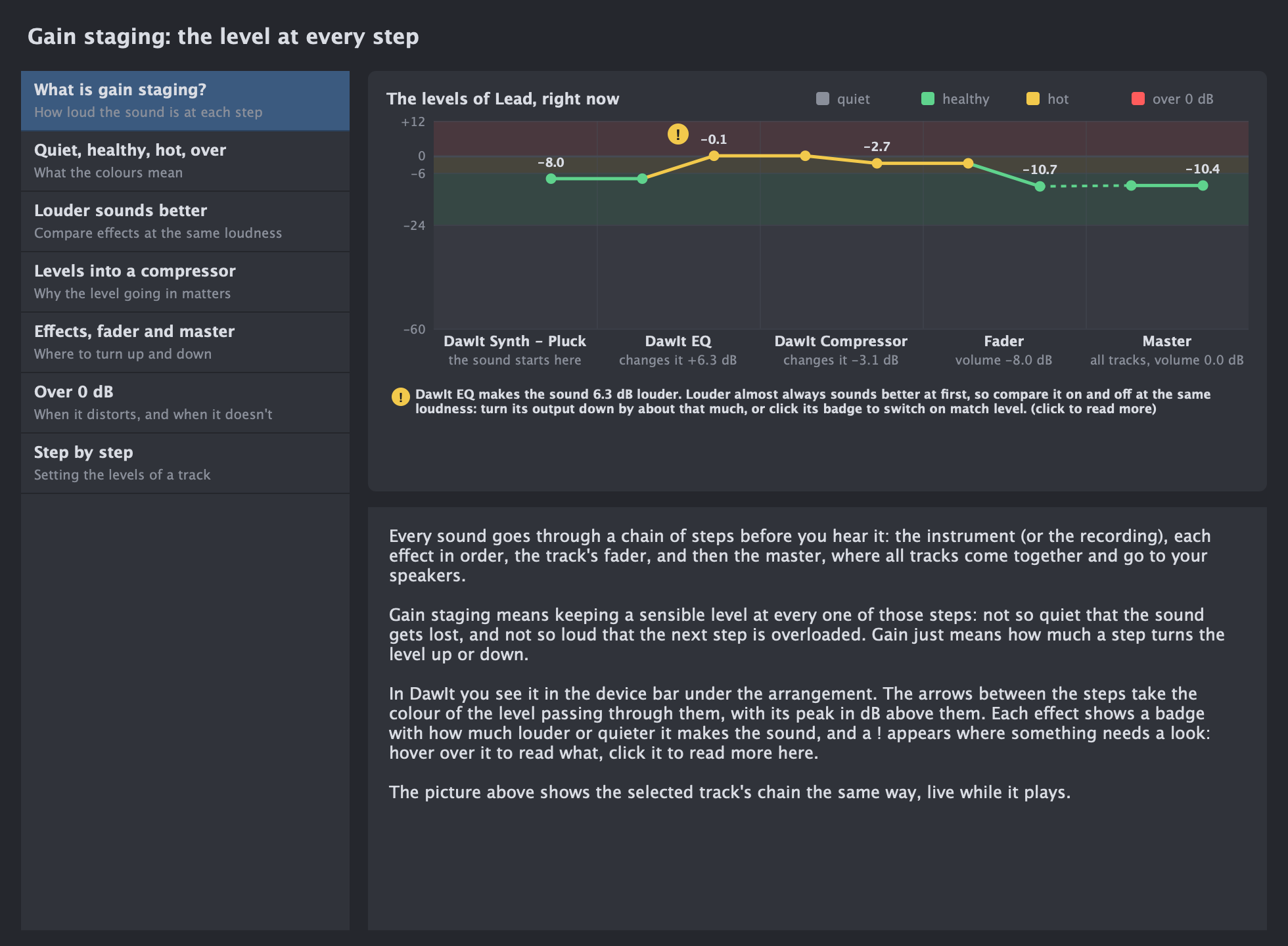
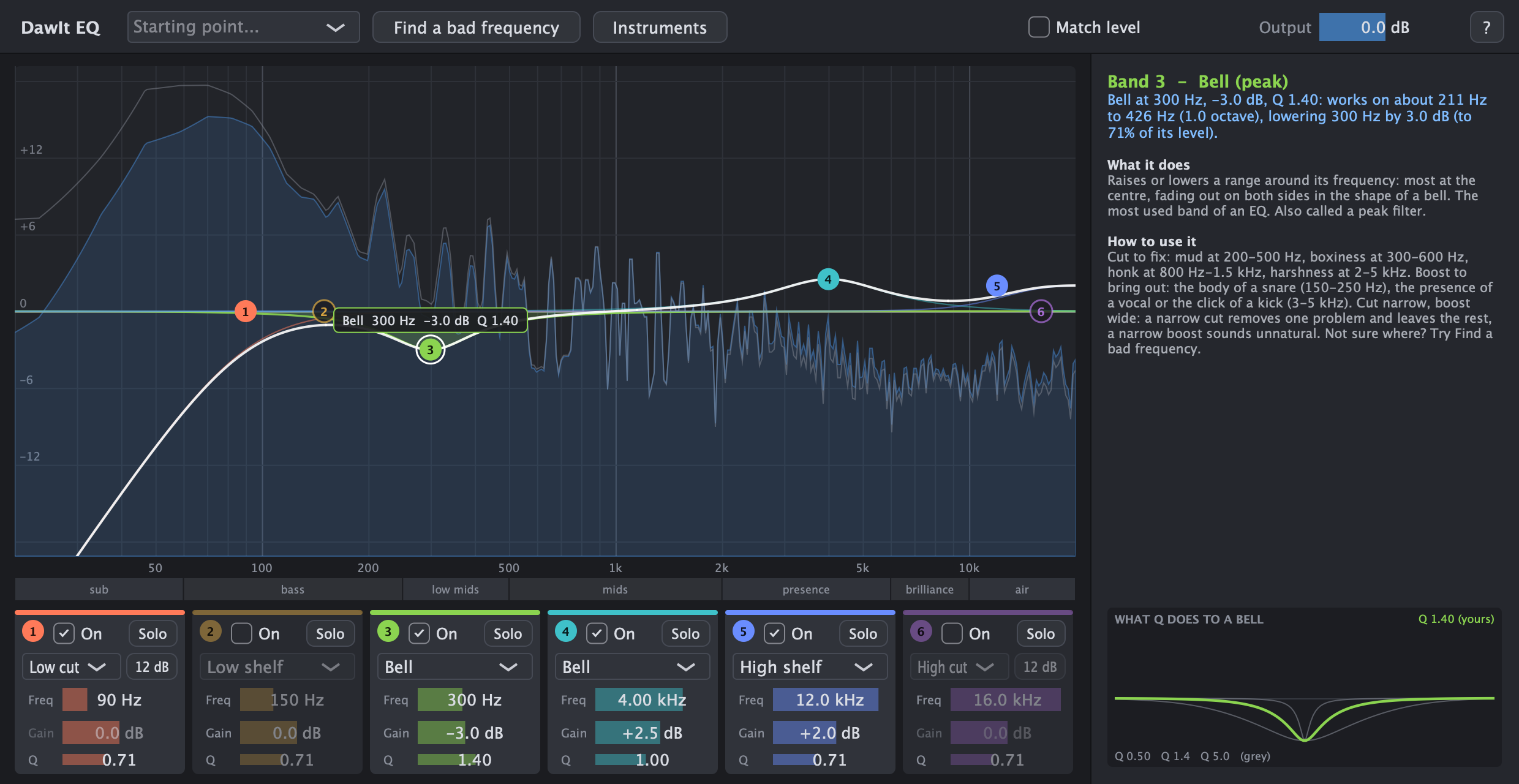
Mixing What is EQ? The frequency ranges, bells, shelves and cuts, Q, where instruments sit, masking, and what muddy, boxy and harsh mean. See the guide
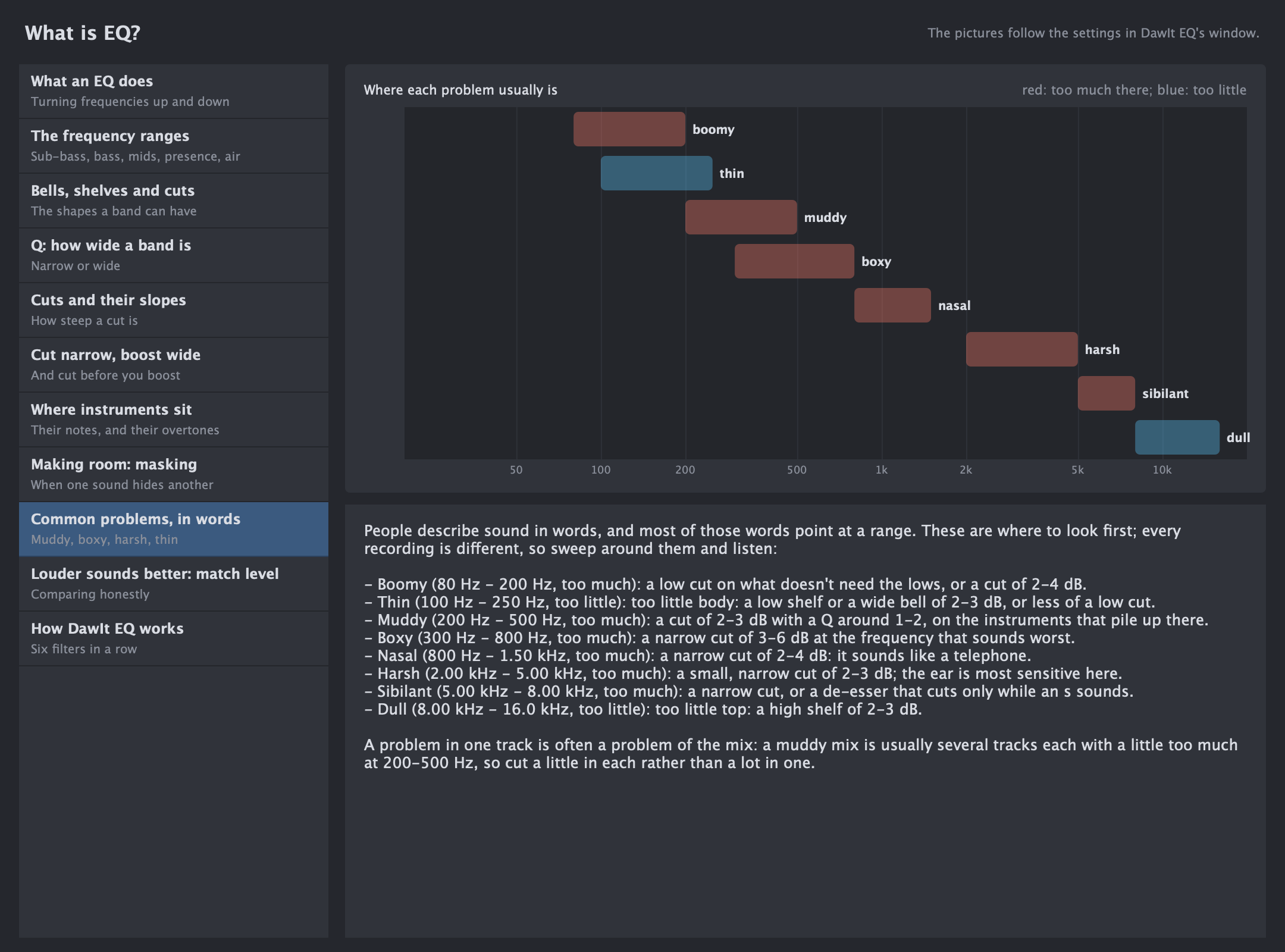
Mixing What is compression? Threshold and ratio, attack and release, makeup, parallel compression, and how much to use. See the guide
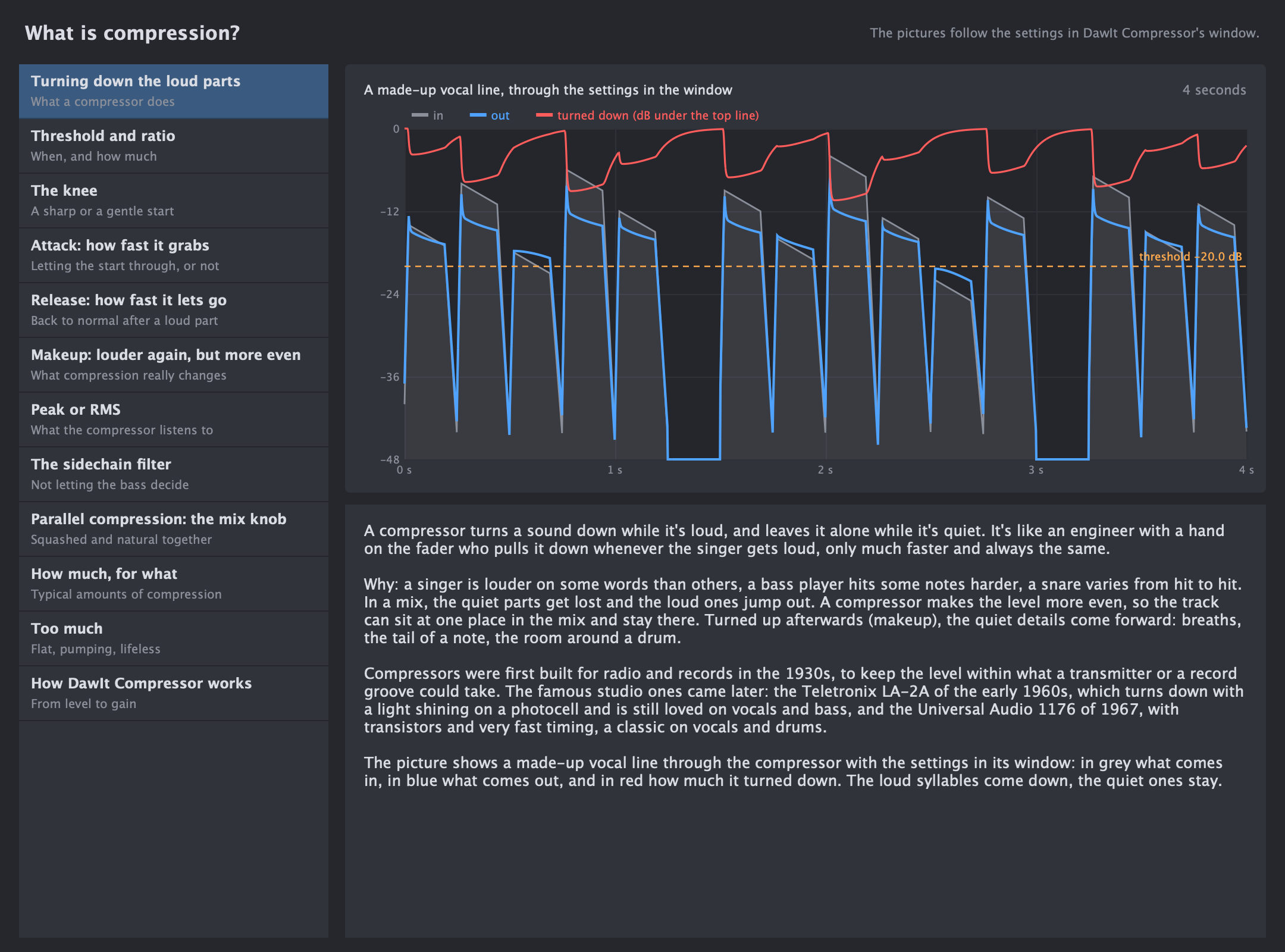
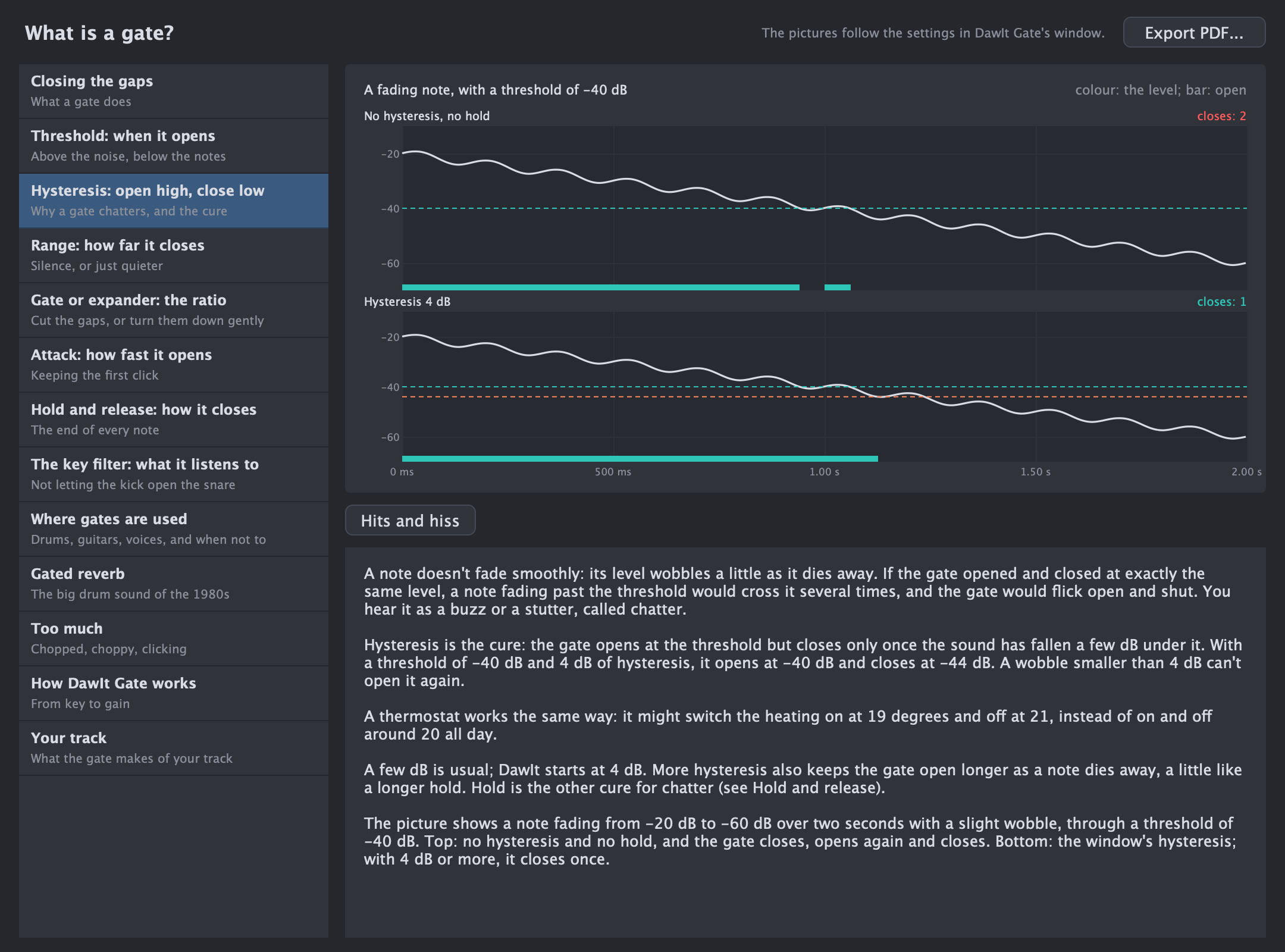
Mixing What is a gate? Closing the gaps between notes: threshold and hysteresis, range and ratio, attack, hold and release, the key filter, and gated reverb. See the guide
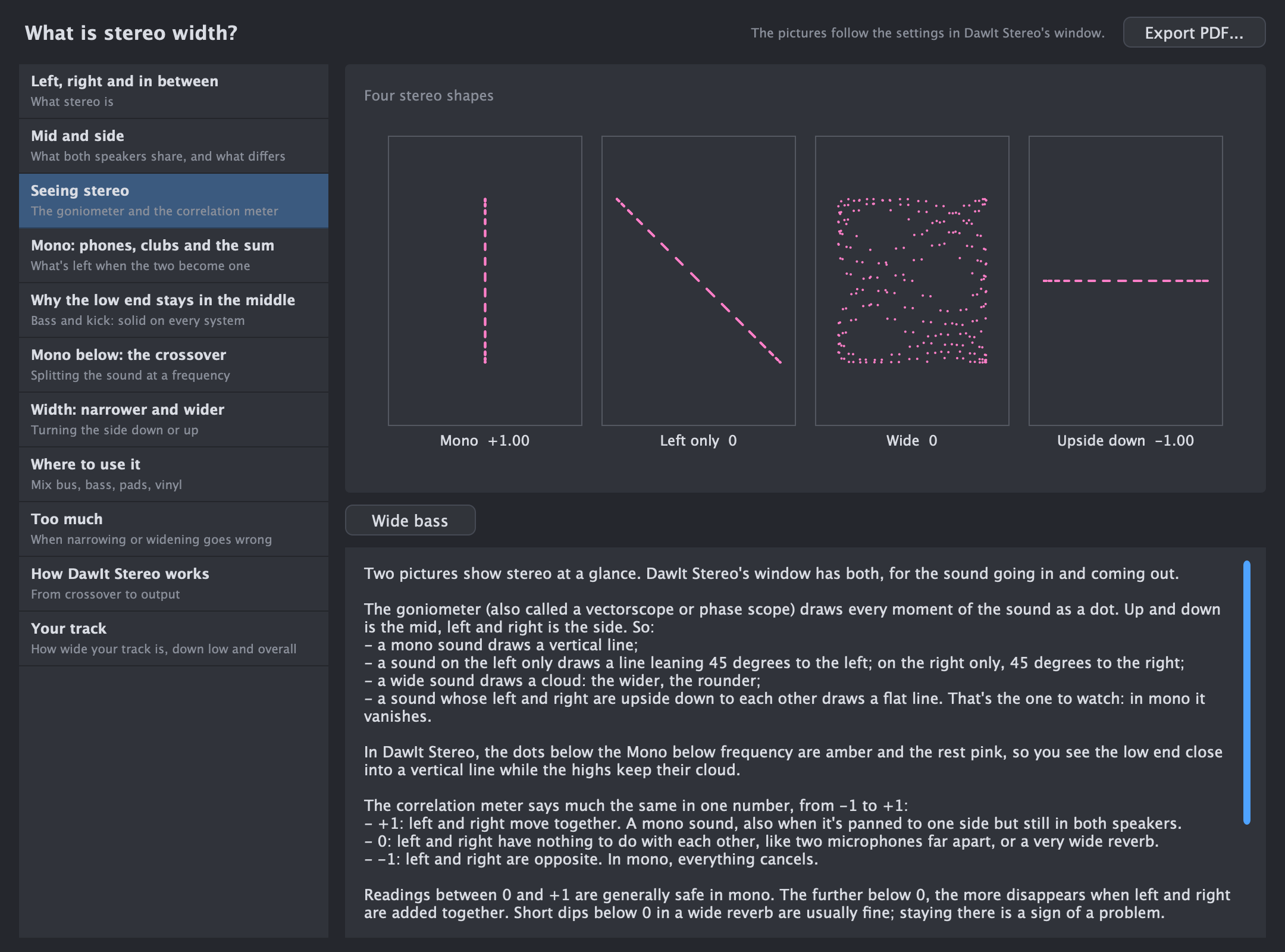
Mixing What is stereo width? Mid and side, the goniometer and correlation meter, mono and phase, why the low end stays in the middle, mono below a frequency, width, and your track. See the guide
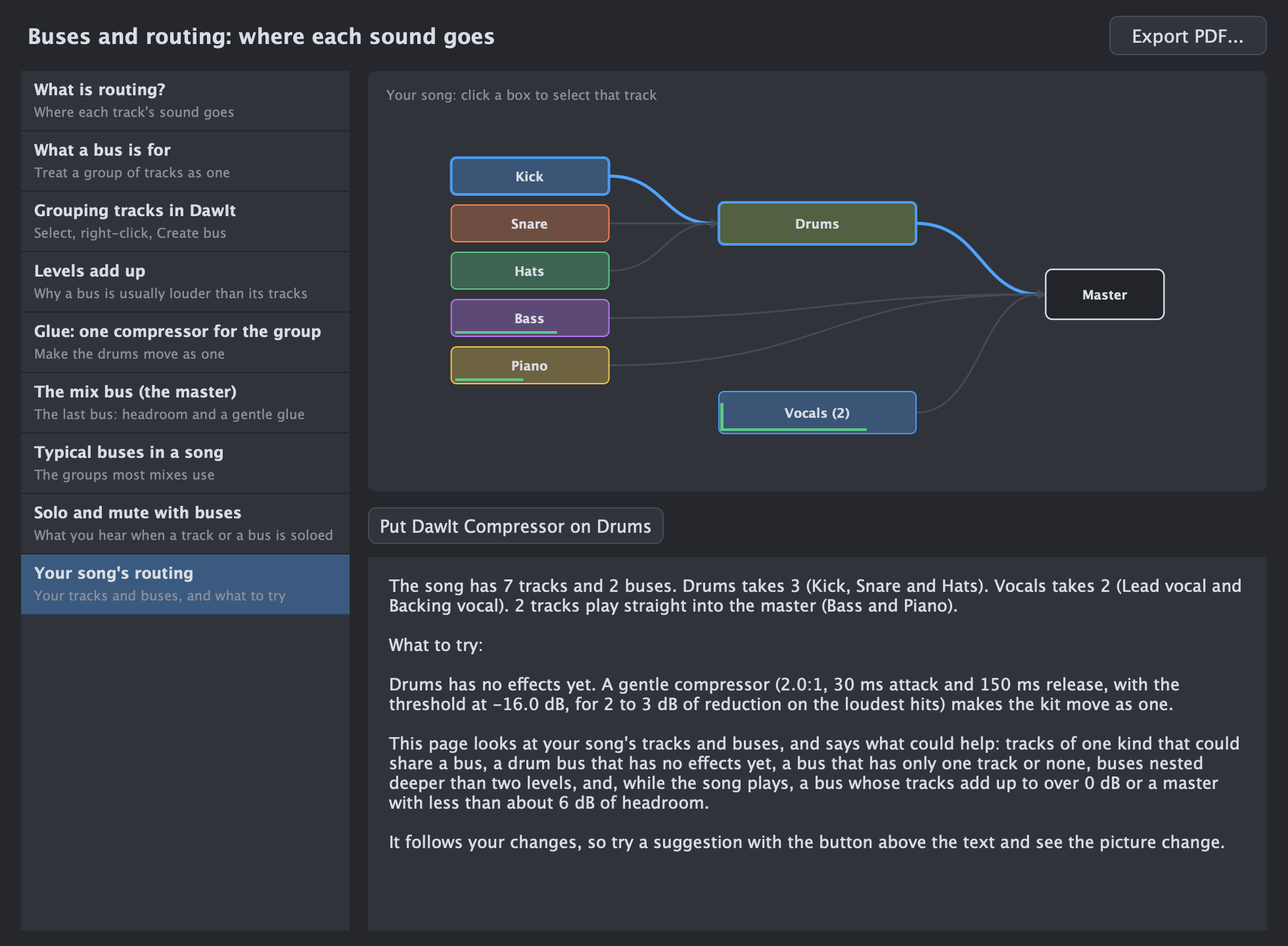
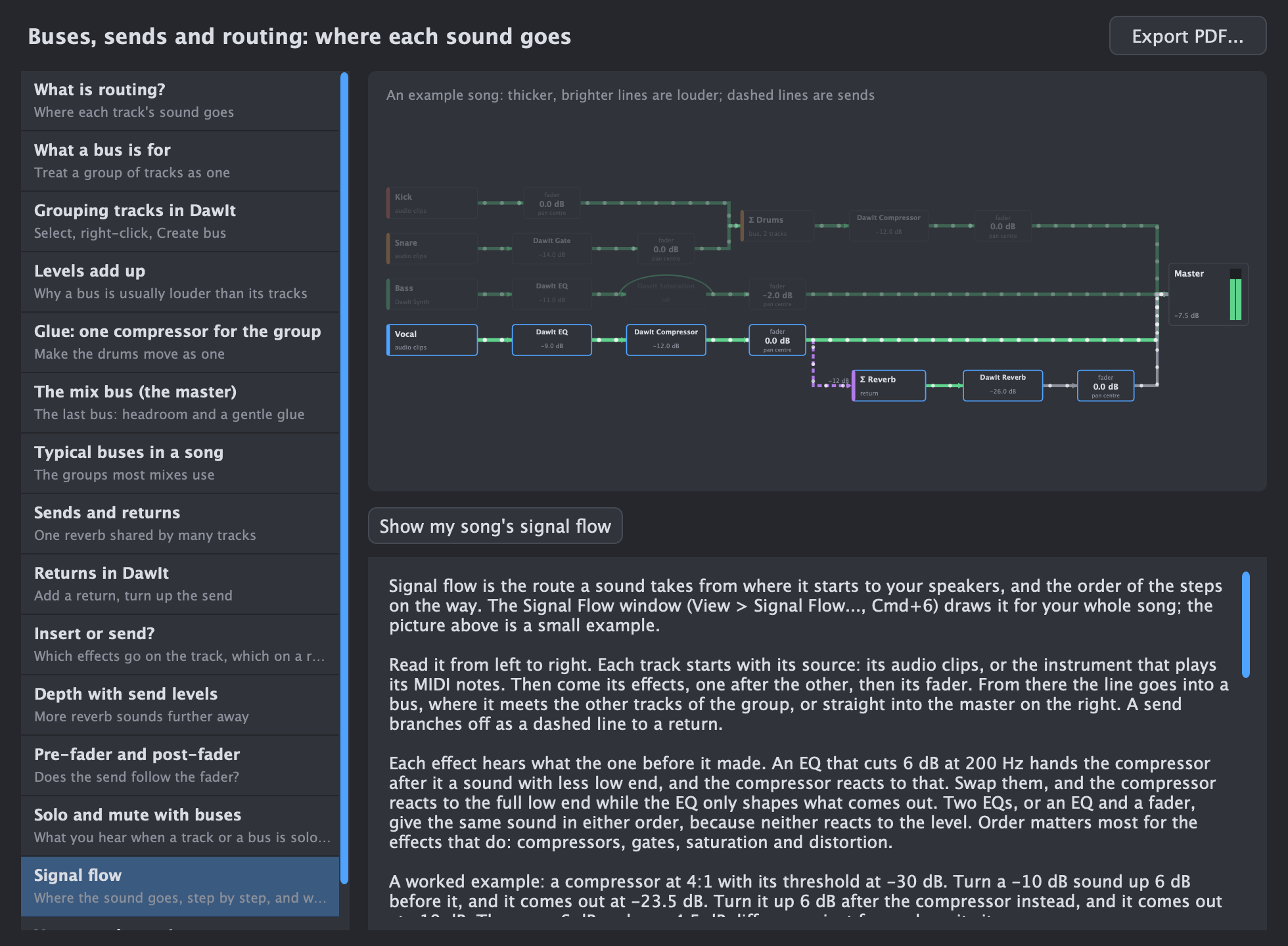
Mixing What are buses, sends and routing? Where each track's sound goes: buses that group tracks, sends to a shared reverb or delay, levels that add up, glue compression, solo and mute, the mix bus, a look at your song's routing, and where the sound goes, step by step, in a live map. See the guide
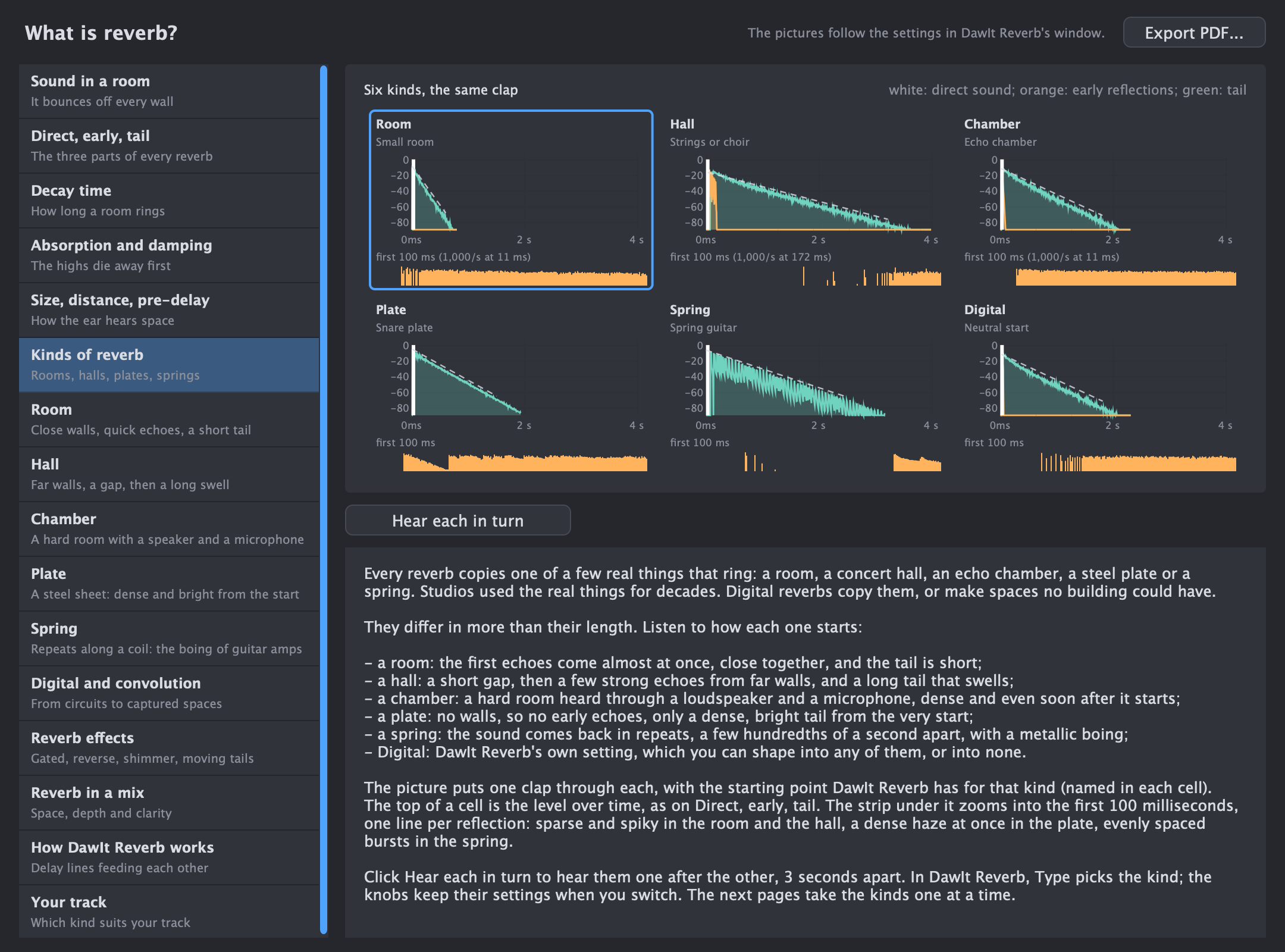
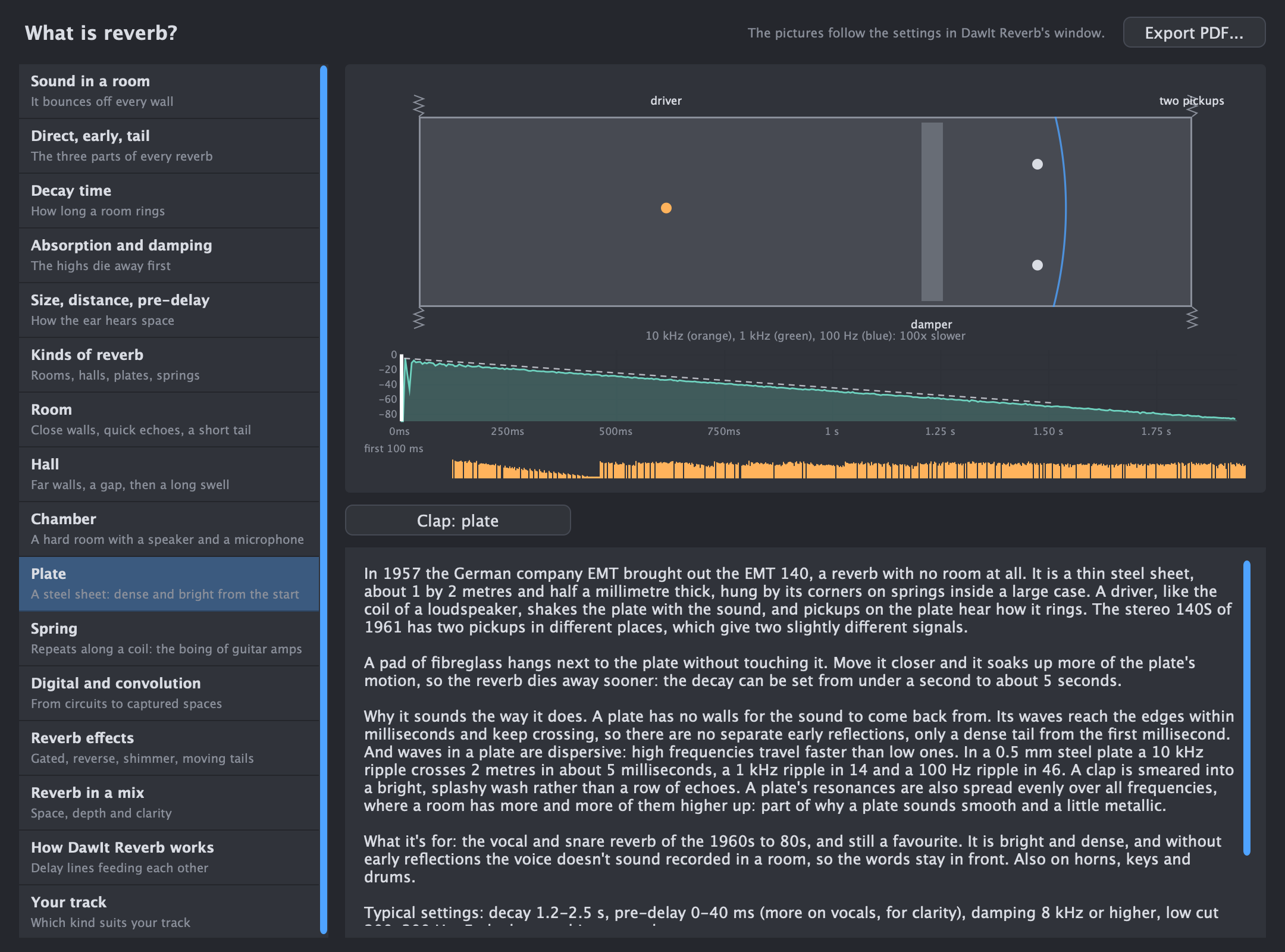
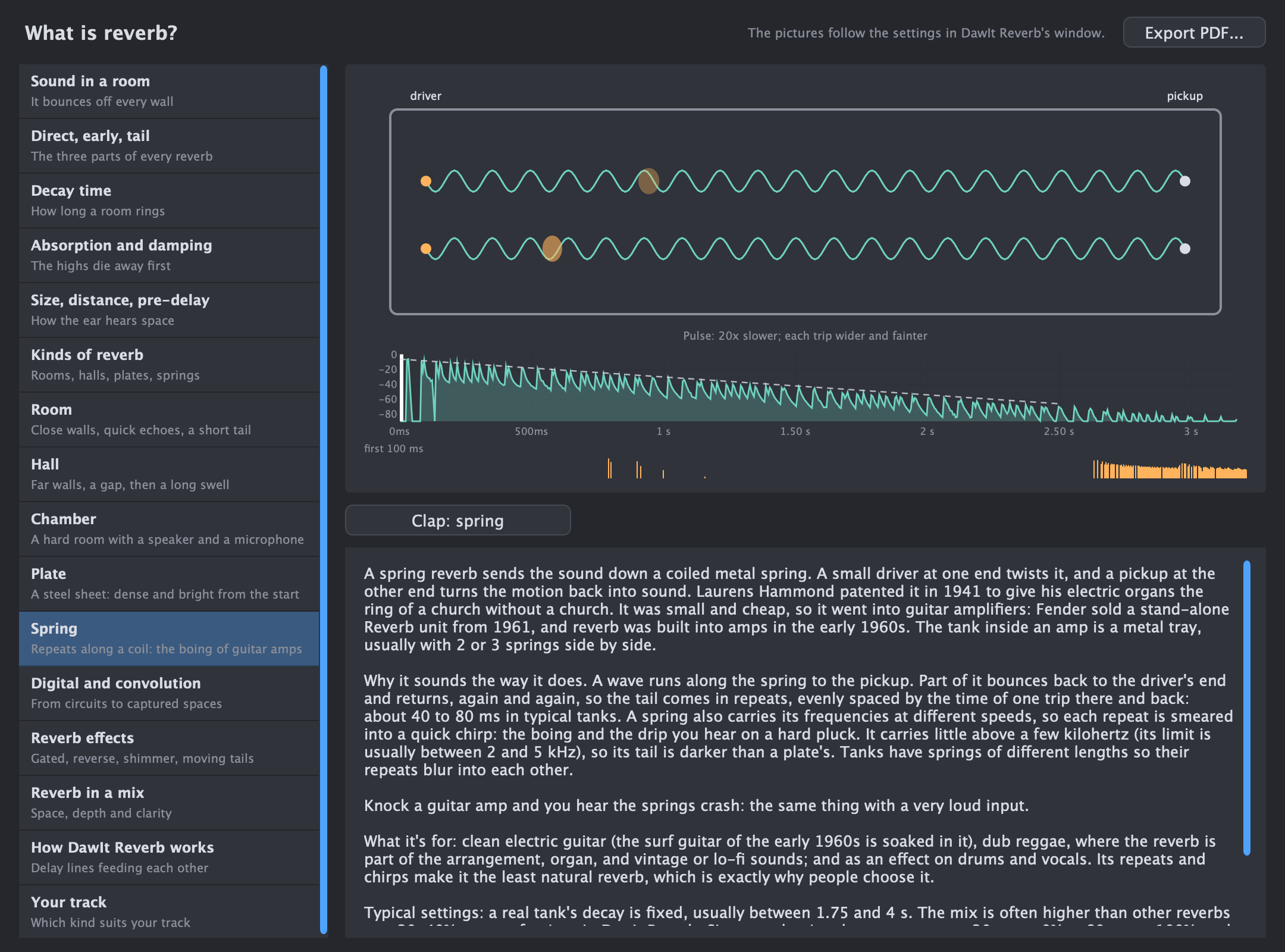
Effects What is reverb? Rooms, halls, chambers, plates, springs and Digital, side by side and by ear; decay, damping, reverb in a mix, and advice for your track. See the guide
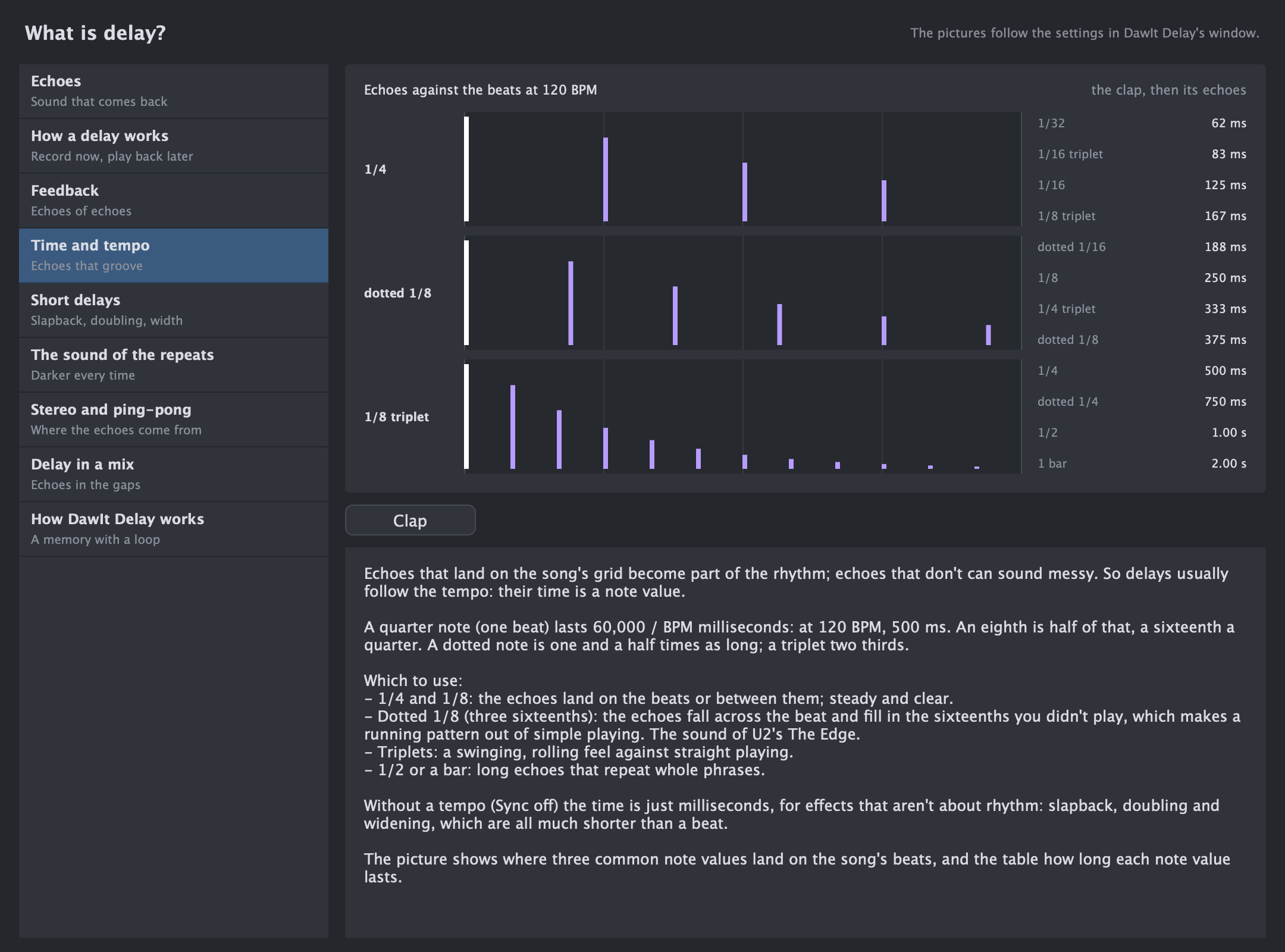
Effects What is delay? Echoes, feedback, delay times that follow the tempo, slapback and doubling, tape echo, ping-pong and the comb filter. See the guide
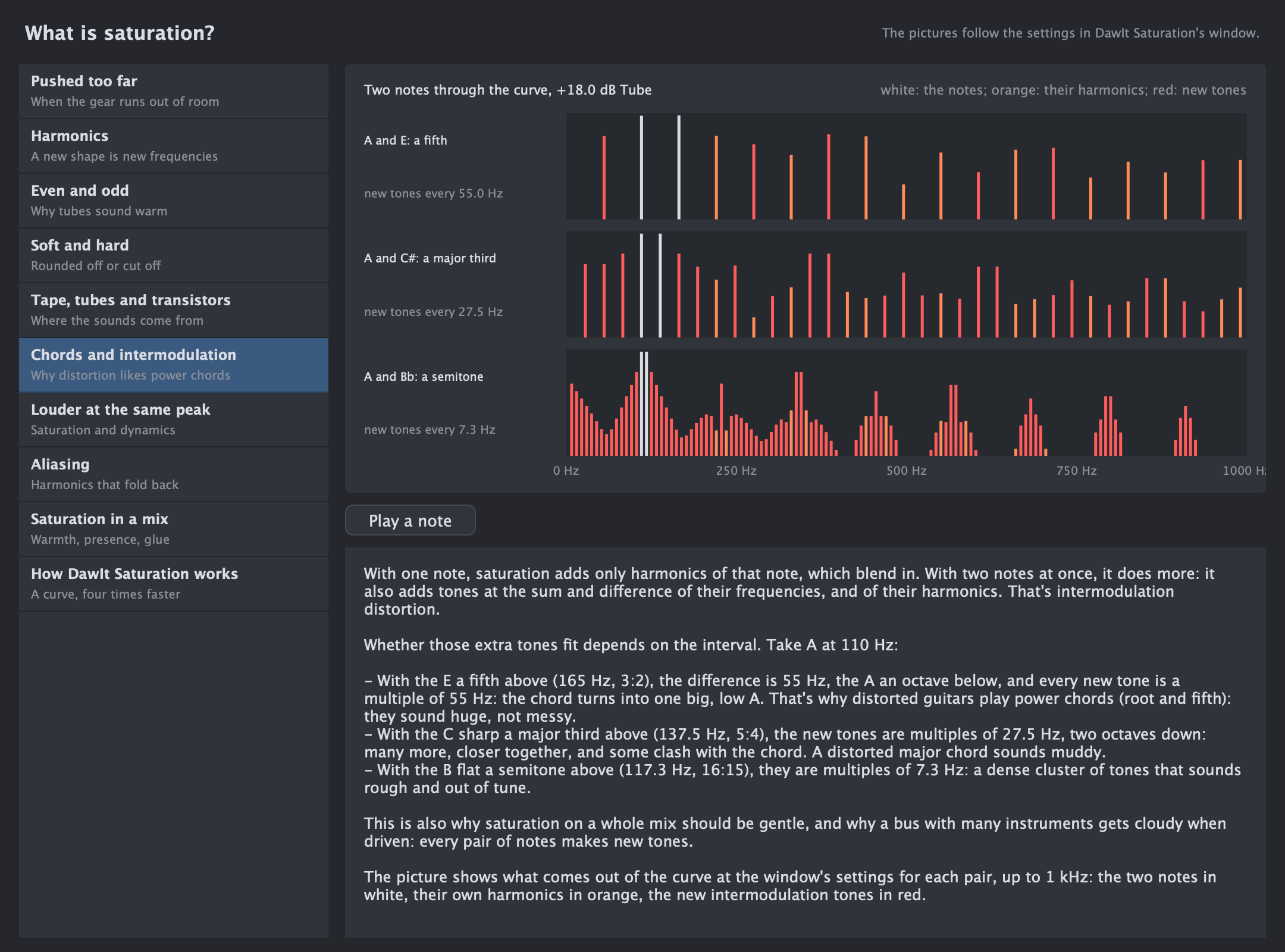
Effects What is saturation? Why pushing a sound too far adds harmonics: even and odd, tape, tubes and fuzz, power chords, loudness and aliasing. See the guide
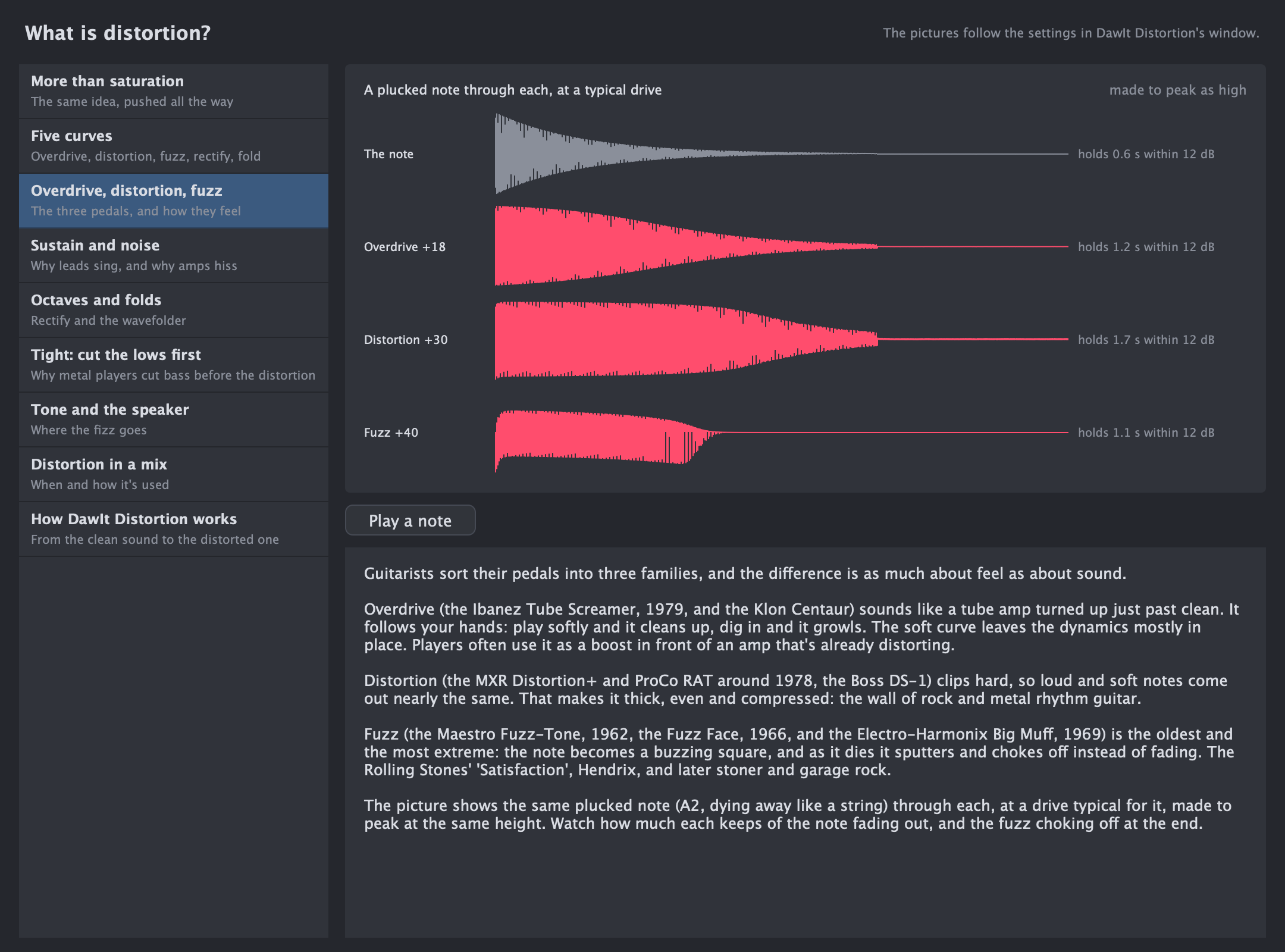
Effects What is distortion? Overdrive, distortion and fuzz pedals, sustain and noise, octaves and folds, the guitar speaker, and when to use it in a mix. See the guide
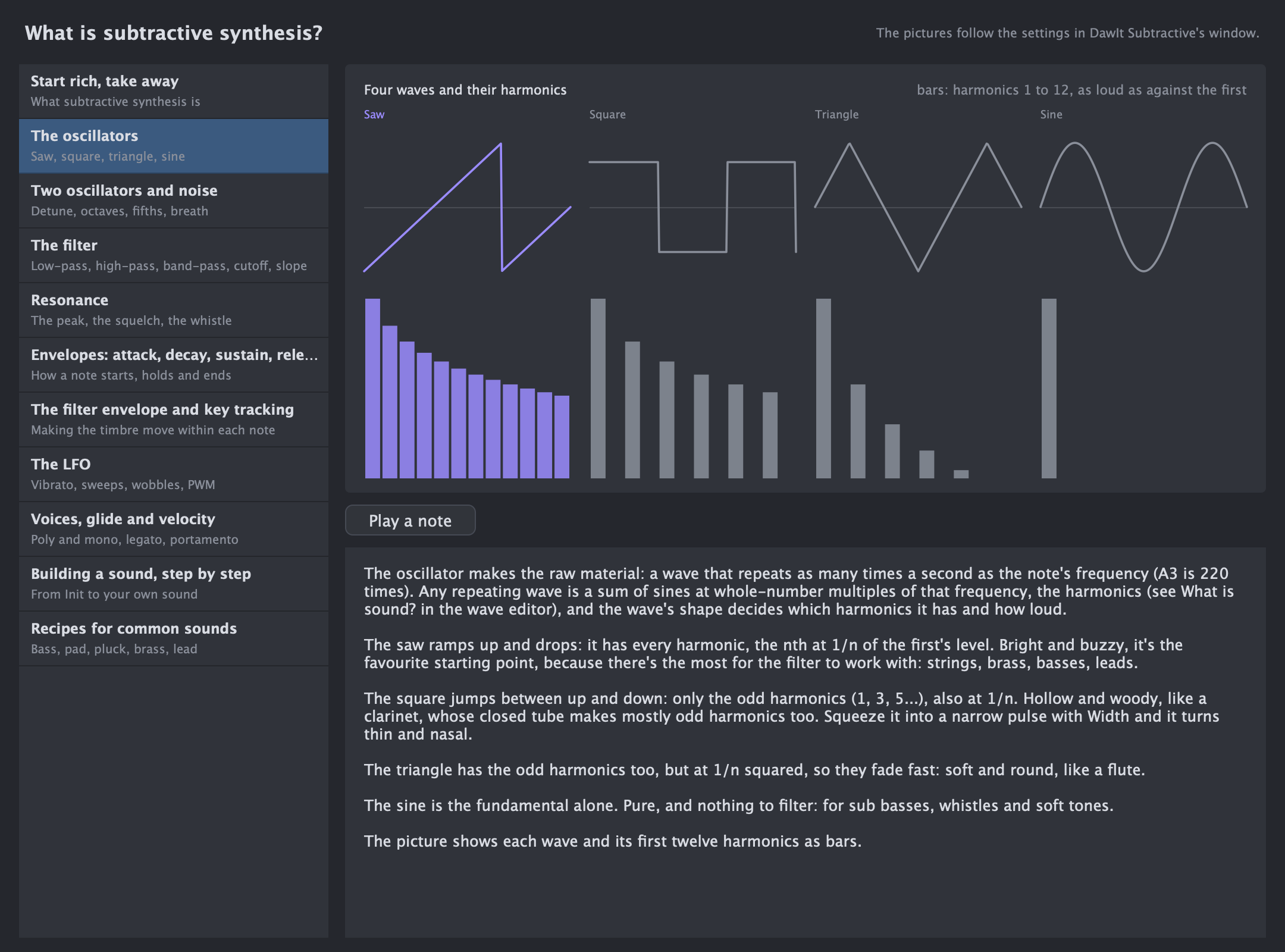
Synthesis What is subtractive synthesis? Oscillators and their harmonics, the filter and resonance, envelopes, the LFO, and building a synth sound step by step. See the guide
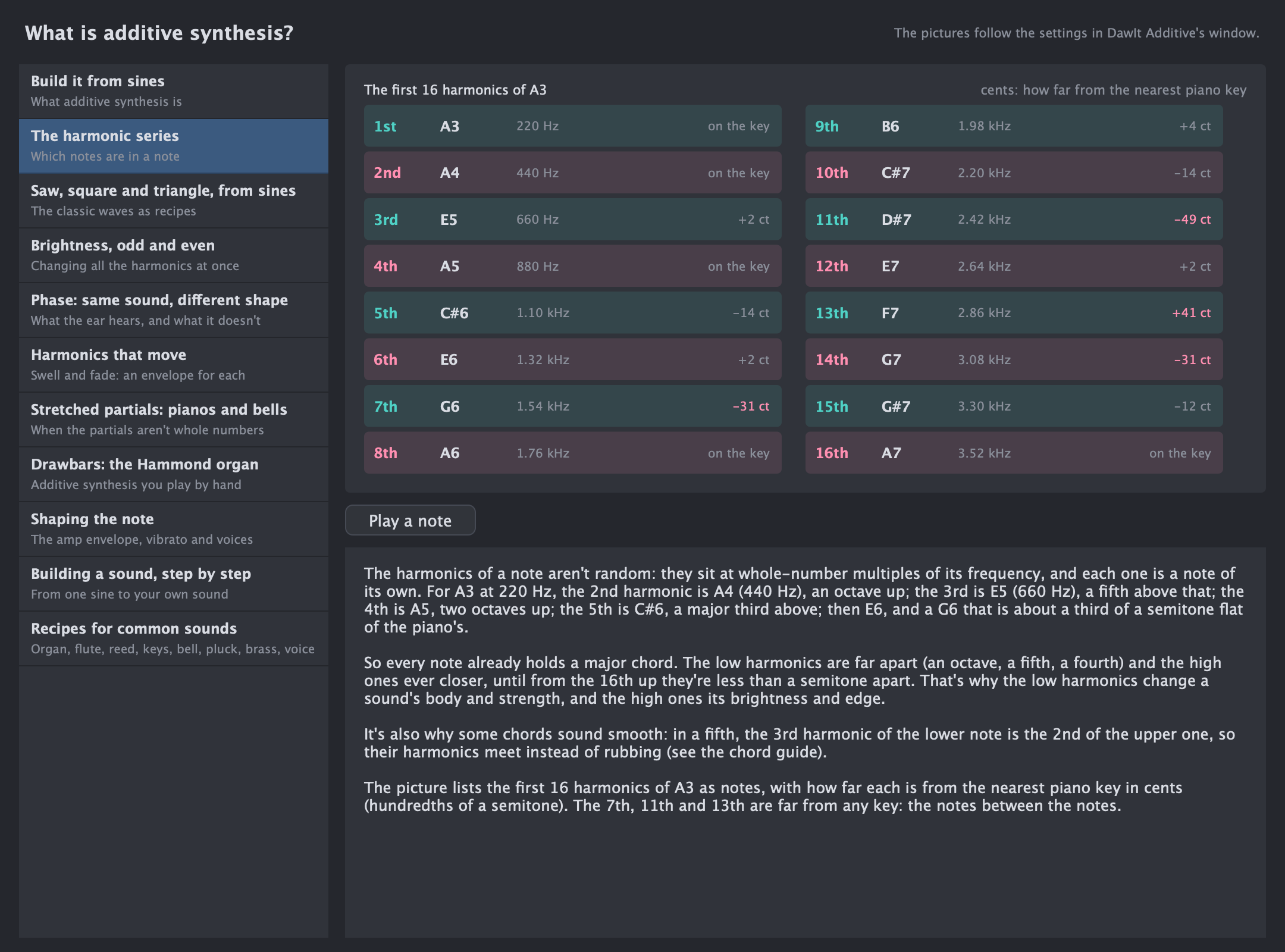
Synthesis What is additive synthesis? The harmonic series, the classic waves built from sines, phase, harmonics that move, pianos and bells, and the Hammond's drawbars. See the guide
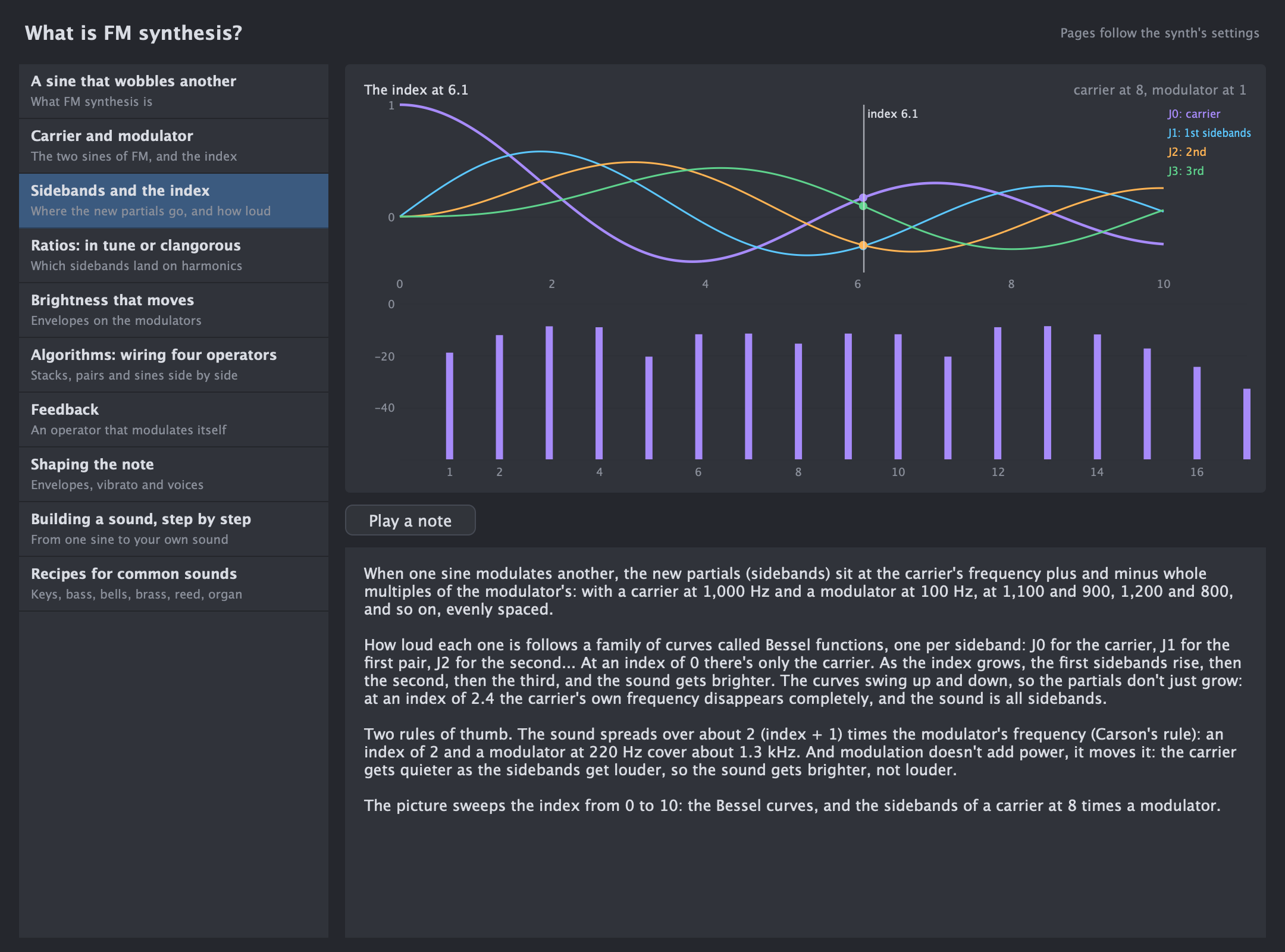
Synthesis What is FM synthesis? Carriers and modulators, sidebands and the index, ratios in tune or clangorous, algorithms and feedback, and the DX7's sounds. See the guide
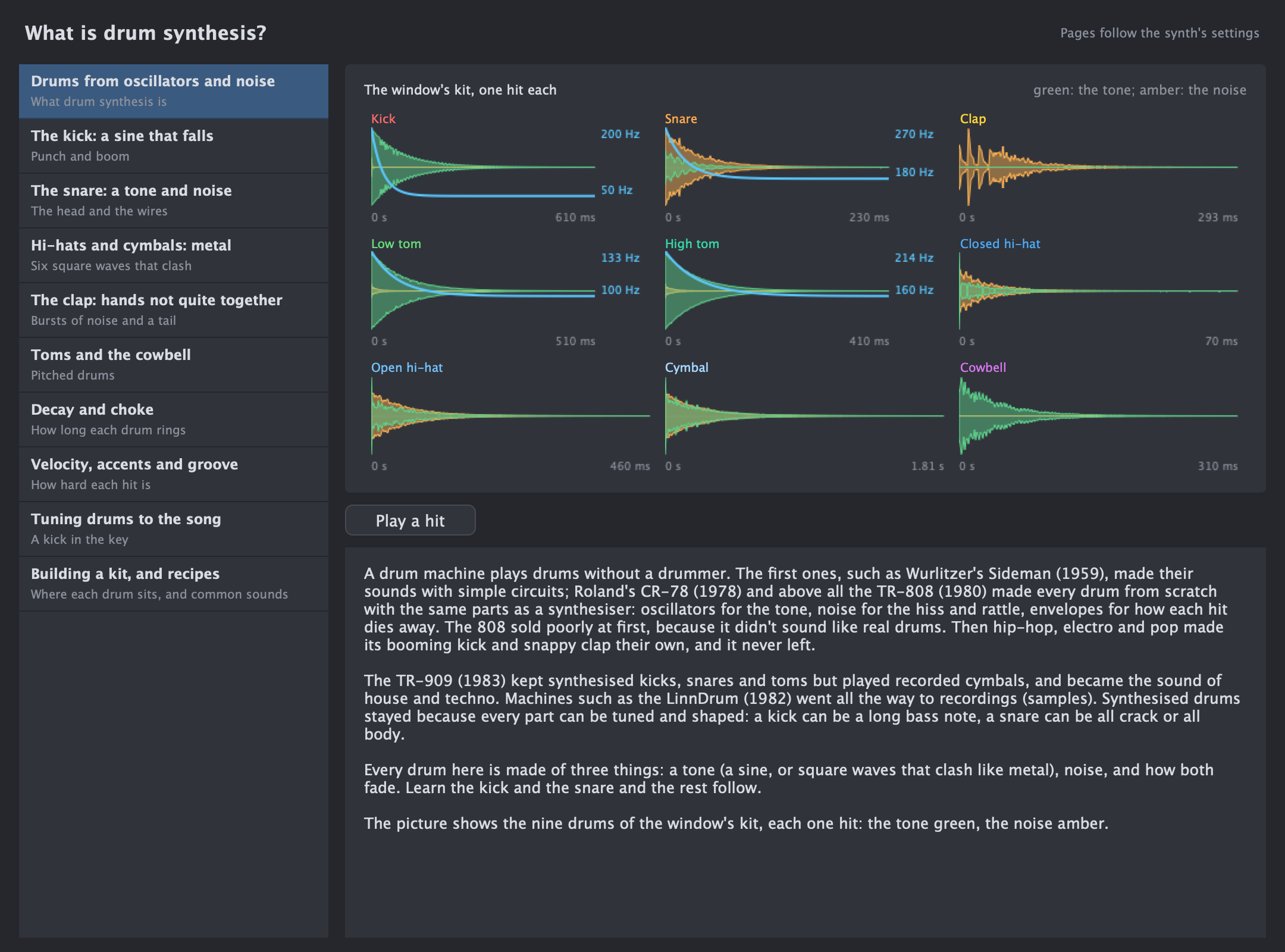
Synthesis What is drum synthesis? How a drum machine makes a kick, a snare, hi-hats and a clap, decay and choke, groove, and tuning drums to the song. See the guide
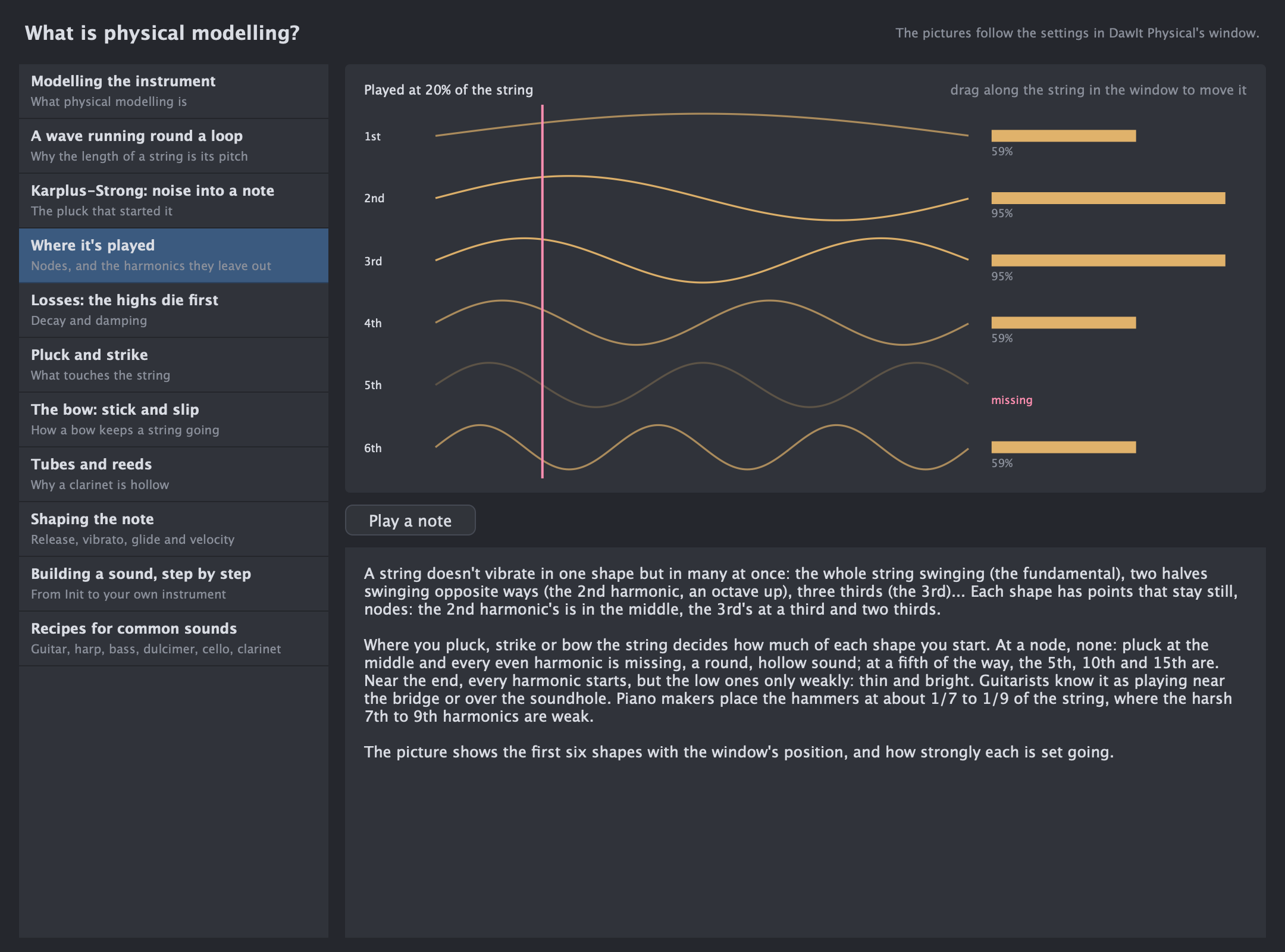
Synthesis What is physical modelling? A wave running round a string, noise turning into a note, where to pluck, the bow's stick and slip, and why a clarinet is hollow. See the guide
Chords & songs The scale on screen Show only the notes of the key, and see which notes belong to the chord in every bar. See the guide
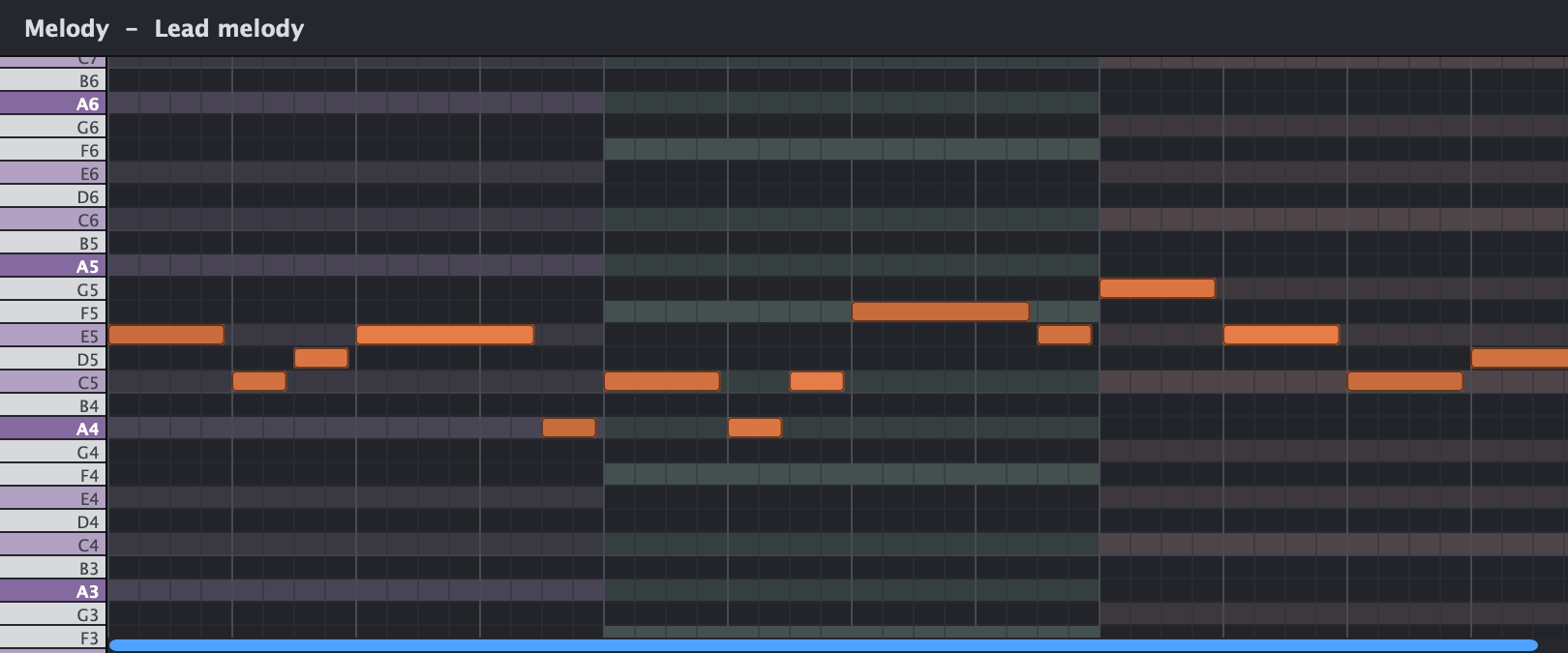
Chords & songs Styles of music Explore fourteen styles: their tempo, groove, chords, sounds and structure. Start an editable song from a style in File → New Project from Style… Read more
The in-app guide compares your song with the style’s usual characteristics. Try Pop ballad, Rock, House, Trap, Blues or Film score, then change the parts to make the result your own.
Make a first sketch →No guides match that search. Try another word, or choose All subjects.
App guide windows include Export PDF… for a booklet with the text and pictures. Pages about your song reflect your song at the time you export. Plugin guide overlays do not export PDFs.
Your next step
One question is
enough to start.
Try sound, chords or the control you’ve always wondered about.